What Is the Tubebuddy Best Practice Audit
TubeBuddy's Best Practice Audit is a hidden gem that not many users know about.
It allows you to analyze individual videos and to get a best practices audit with specific recommendations on how to improve your videos to get more views.
How to Audit One of Your YouTube Videos With Tubebuddy
To access the audit tool, open the TubeBuddy Quick Links menu within YouTube Studio.
Under Website Tools, click on Launch Pad.
On the left side, press the green Select Video button.
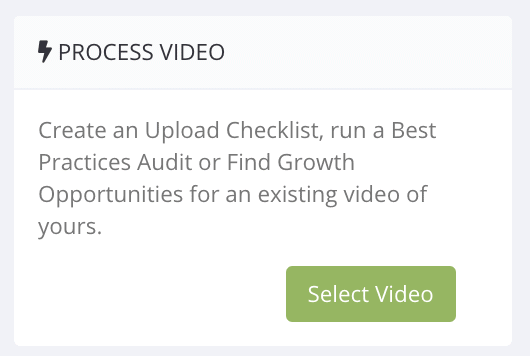
TubeBuddy will start analyzing your video, this will take a while.
Once your analysis is complete, you can open your video audit.
You can jump between three tabs.
Upload checklist
The Upload Checklist allows you to mark the most important video task as completed.
If you missed a task, quickly head back to YouTube Studio and fix it.
Best practices
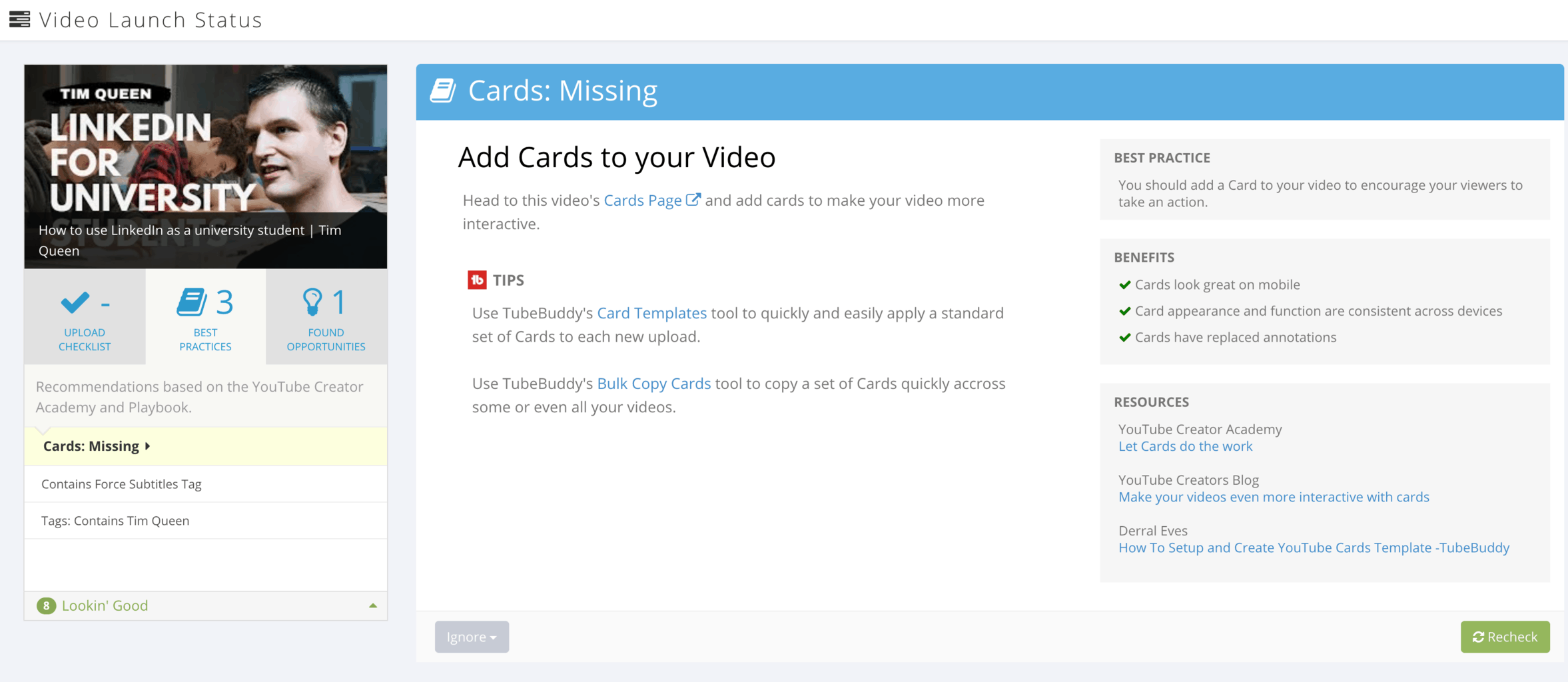
The Best Practices will scan your video for specific issues.
For one of my videos, I didn't add cards to my videos.
You can click on each issue to see a detailed explanation for how TubeBuddy thinks you can improve.
Found opportunities
Found Opportunities is my favorite tool. Here are some recommendations I saw, for some of my other videos.
- Add cards to your video before a drop in Audience Retention. There's a 15% drop in audience retention from the 58-second to the 1 minute 30 second mark.
- Respond to Comments on this video
- Add search phrases as tags that are driving traffic to this video with a list of actual keywords people used to access my video.
Next Steps
The TubeBuddy Best Practice Audit is a little hidden and not many people know about it. That's unfortunate because it gives many completely personalized recommendations on how to improve individual videos.
Want to learn about all the other cool tools and features? Then read my TubeBuddy review article today.


