What Is the Tubebuddy Brand Alerts Tool
Usually, when a channel becomes relatively well-known, other YouTube creators are interested in talking about you and your content.
Find out who is talking about you on YouTube, playlists, and channels using Brand Alerts.
TubeBuddy will notify you someone is using your content without your permission or when someone publishes a video talking about you.
How to Create a Brand Alert With Tubebuddy
Go to YouTube Studio and hit the Quick Links menu at the top.
Under Website Tools click on Brand Alerts.
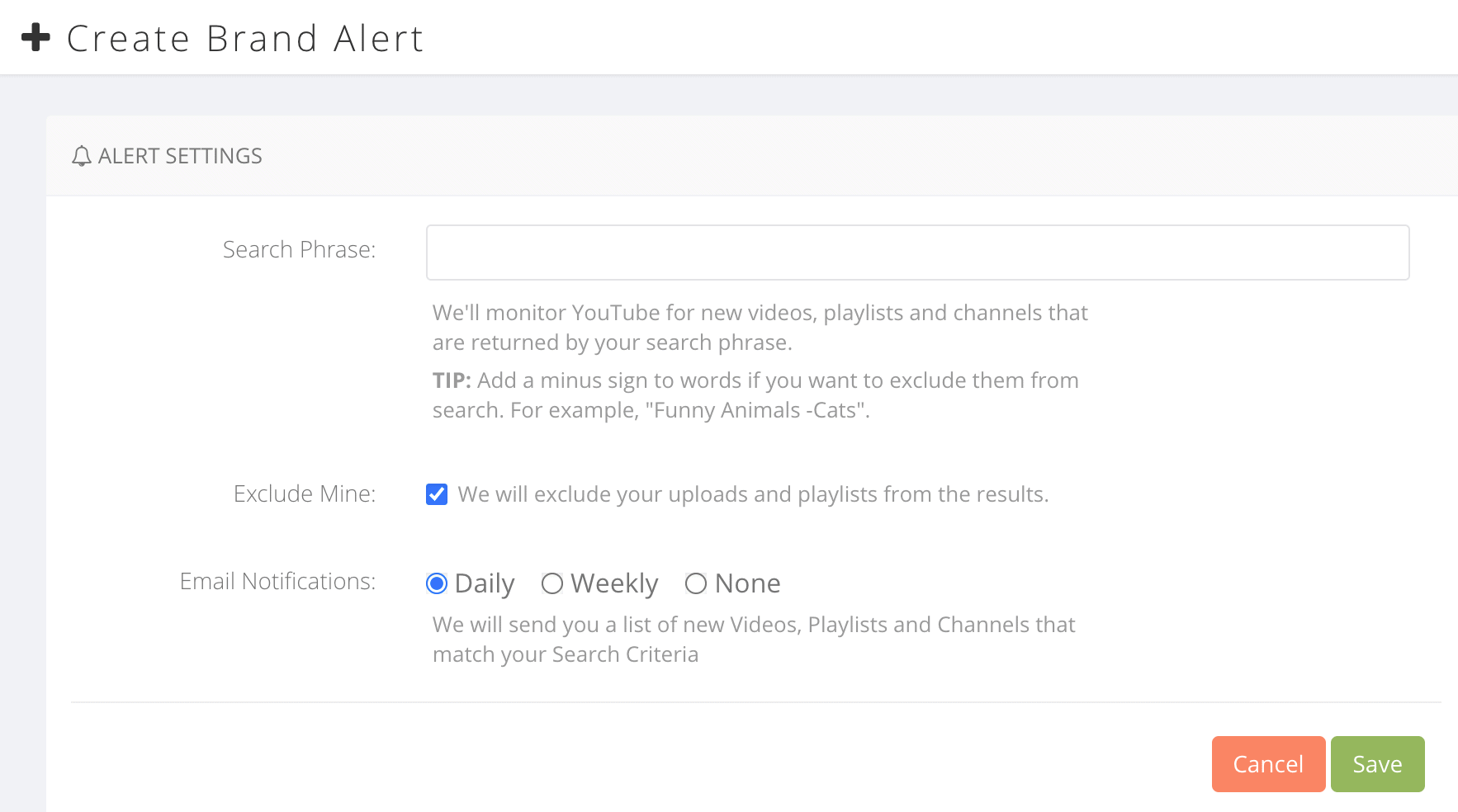
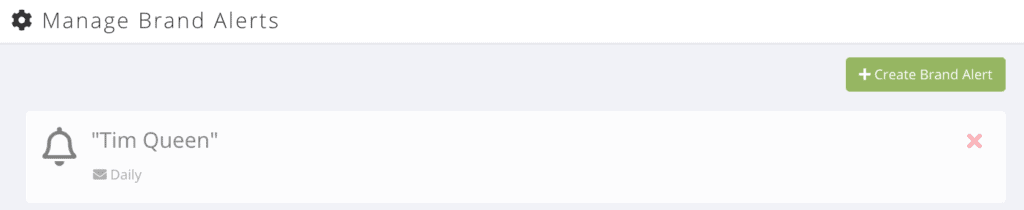
Press the green Create Brand Alert button to create your first alert.
Type in your search phrase that you want to monitor at the top.
If you want to exclude videos from your channel, check the Exclude Mine checkbox.
Select if you want to receive Daily or Weekly reminders, or if you want to turn the alert off.
Once you're happy, press the Save button.
You will now receive email notifications whenever a new matching video is found.
How to Review Your Brand Alert Results
Click on one of your alerts to open the overview page that shows you all matching videos that TubeBuddy found via YouTube search.
Press on the eye icon to mark results as seen. This allows you to hide older results with a filter.
If you want to highlight an important result, press the star icon, so you can easily find it later.
Some results might not have anything to do with your brand, in this case press the X button to delete the result.
Next Steps
I recommend setting up multiple alerts, one for your personal name, the name of your channel or brand name, and a few for some of your top keywords to see who is uploading competing content in your niche.
Read my TubeBuddy review article to learn more about all the other amazing tools and features.


