What Is the Tubebuddy Channel Access Feature
Maybe your channel is scaling up, or perhaps you need someone to look at your videos' performance.
Through Channel Access, you can give someone access to your Health Report, show clients their channel growth progress, or let your employees manage your YouTube strategy.
How to Give Someone Access to Your Tubebuddy Pro, Star, or Legend Subscription
Visit the TubeBuddy website and log into your account.
Find your channel panel on the dashboard and click on Settings.
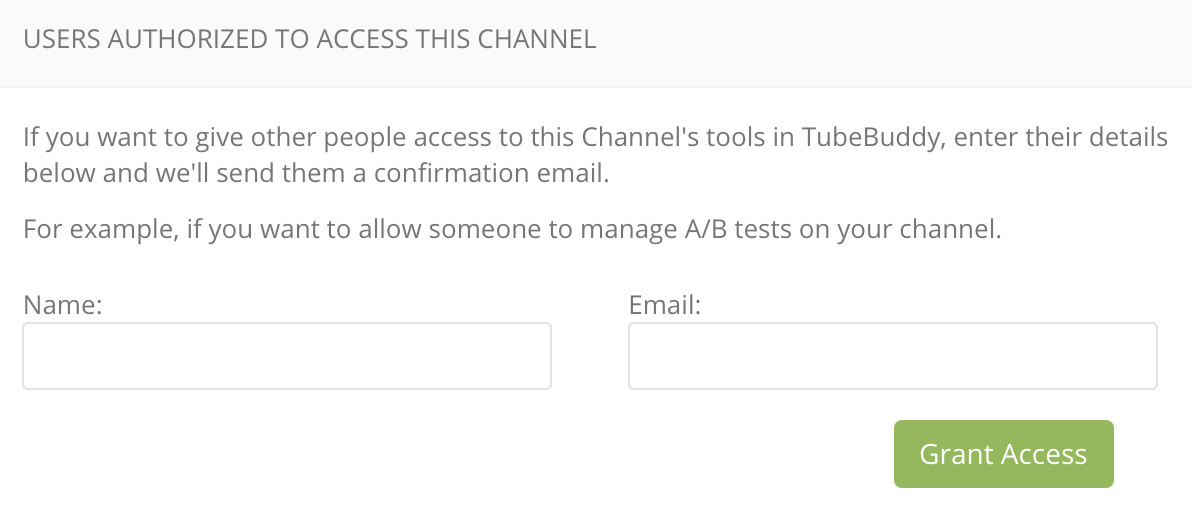
Under Users Authorized to Access This Channel, type in the name and email address of the person you want to give access to your TubeBuddy account or who you want to use some of your paid features.
Next Steps
As your YouTube channel grows, you have to hire a team of people who can help you.
Since your TubeBuddy license is bound to your Google Account, you might not want to share your login information with everyone in your team, risking that they might accidentally delete your YouTube channel.
With TubeBuddy's Channel Access tool, you can grant some access to the tools without giving them admin access to your YouTube account itself.


