What Is the Tubebuddy Export Comments Tool
A successful channel relies heavily on its audience's loyalty, which is where the Export Comments feature comes in.
When you initiate a new content series and want your audience's inputs to make your future episodes even more exciting, ask your viewers to leave feedback below the video.
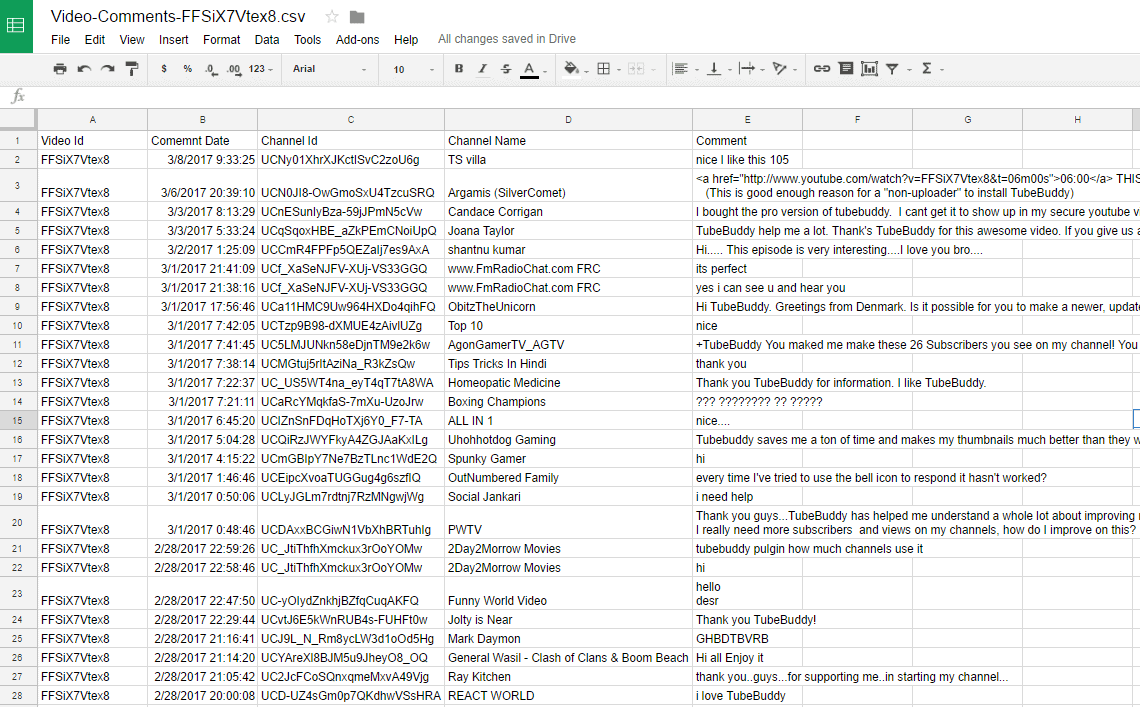
Once you've gathered around hundreds or thousands of comments, export them all at once and analyze whether any common themes are emerging or if they found the topic appealing and if they want to see similar videos in the future.
How to Export YouTube Comments With Tubebuddy
Visit YouTube Studio and go to the Content tab.
Hover your mouse over any video until the TubeBuddy icon appears.
Click on it to open the menu.
Under Misc, select Export Comments and follow the instructions.
Next Steps
The benefit of export your video comments as CSV is that you can perform powerful, in-depth analysis in Excel, from full-text search to pivot tables.


