What Is the Tubebuddy View and Copy Video Tags Tool
The best way to improve your videos is to study your competitors, perform market research and apply what you learn.
View and Copy Video Tags lets you see what tags your competitors use for their videos, so you can copy them over and use them for your reference, rather than having to unearth video tags from scratch.
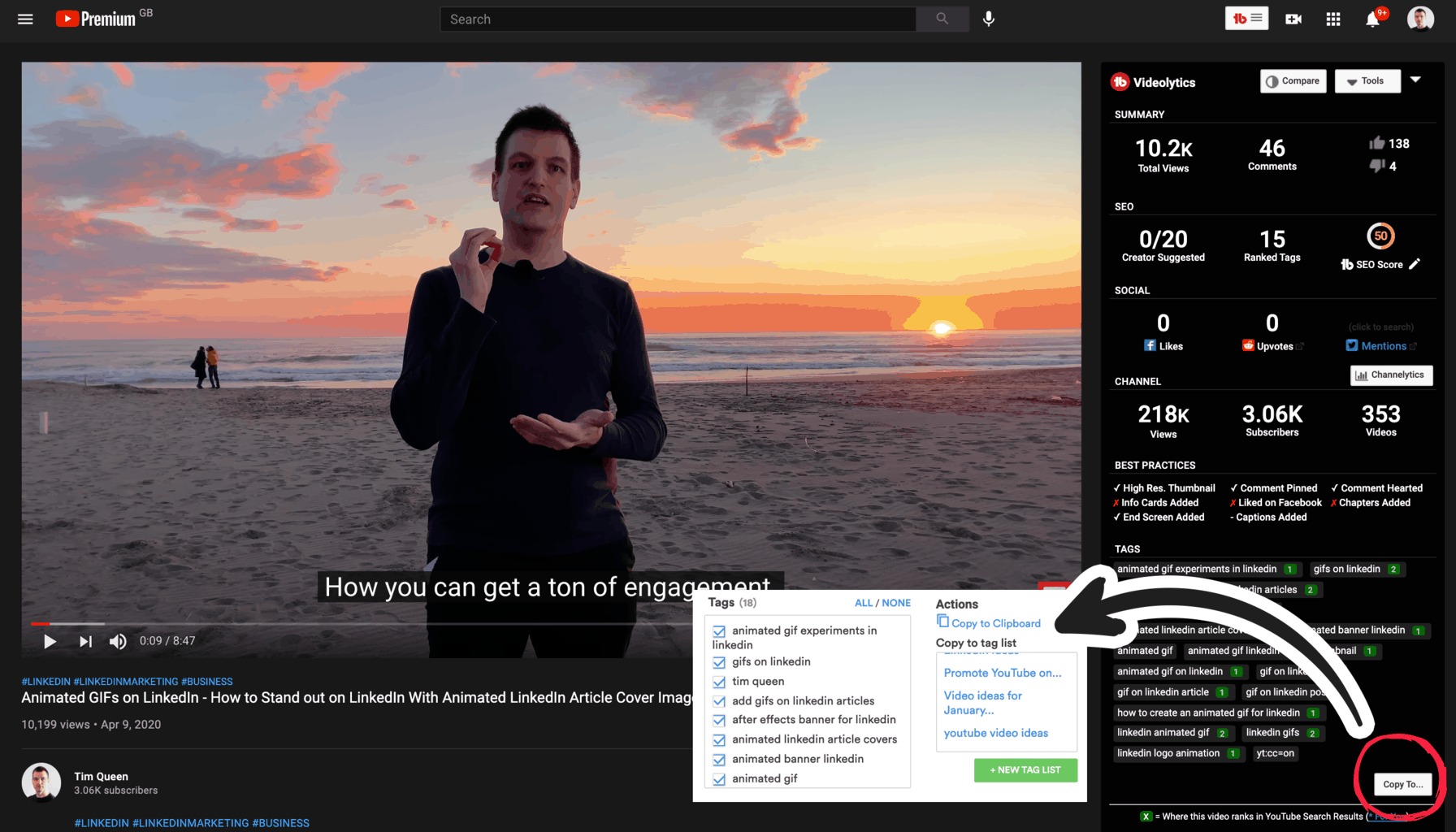
TubeBuddy's Videolytics bar is located in the right sidebar of any YouTube video.
Listed at the bottom are all the tags associated with the video.
All tags can be copied or saved into a Tag List by pressing the Copy To button.
Next Steps
TubeBuddy's Search Explorer, Channelytics and Videolytics tools are great tools to collect and save keywords for future videos.


