Does Tubebuddy Have Any Integrations
TubeBuddy offers a wide variety of different integrations that help YouTube content creators to promote their channel, engage with their community, and monetize their channel.
In this article, we are going to look at the various TubeBuddy integration and talk about potential use cases.
Enjoy!
Patreon Integration
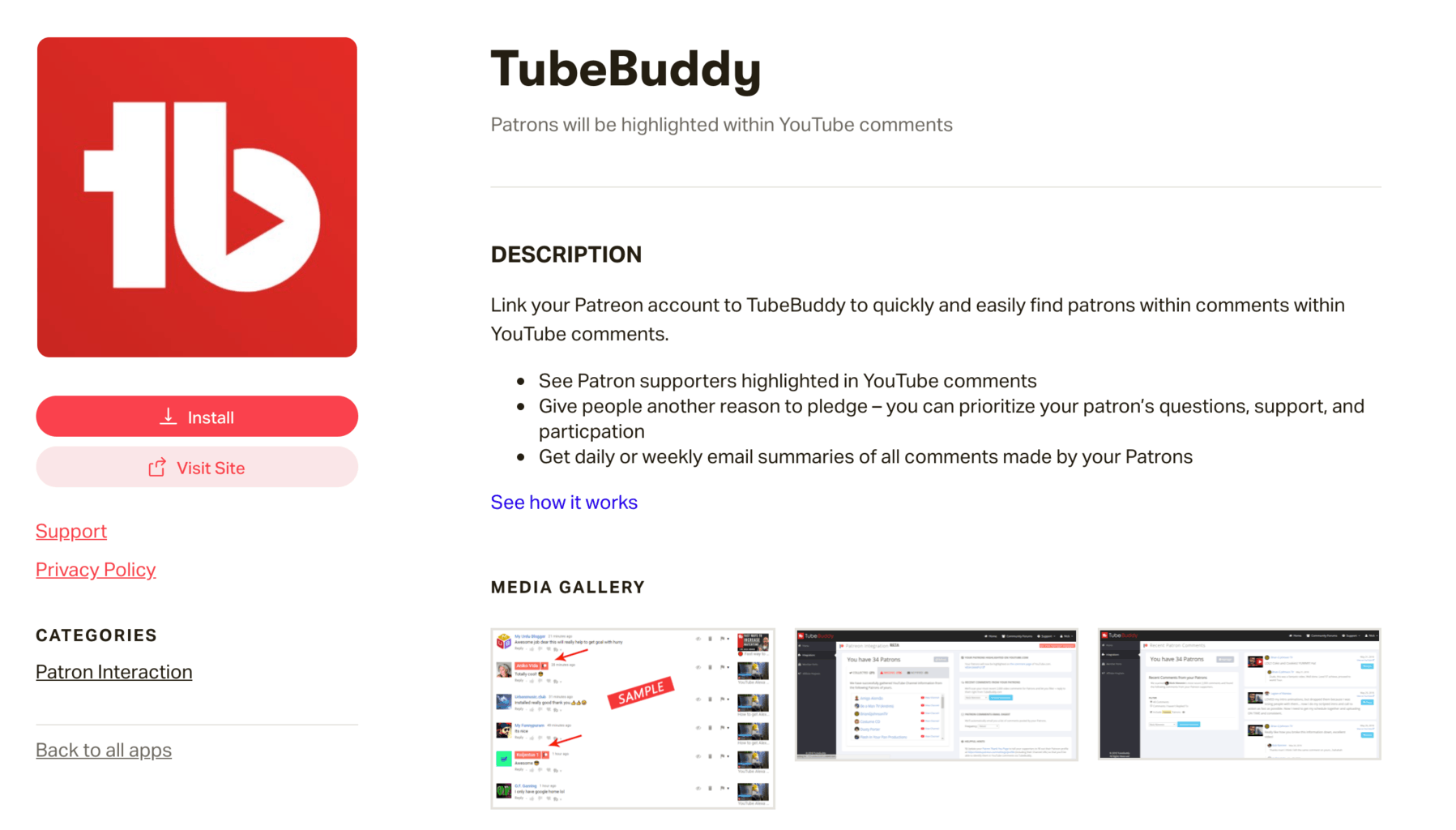
When you link your Patreon account with TubeBuddy, you will be able to instantly highlight active Patreon supports in the comment section of your videos.
TubeBuddy will even add a special filter to your YouTube Studio comment explorer page, that allows you to only show you comments from Patrons.
This is incredibly useful, especially if one of the selling points of your Patreon membership community is offering the membership perk of always replying to your Patreon supporters' comments first.
It also a great way to engage with your most loyal fans and to keep them happy.
Twitter Integration
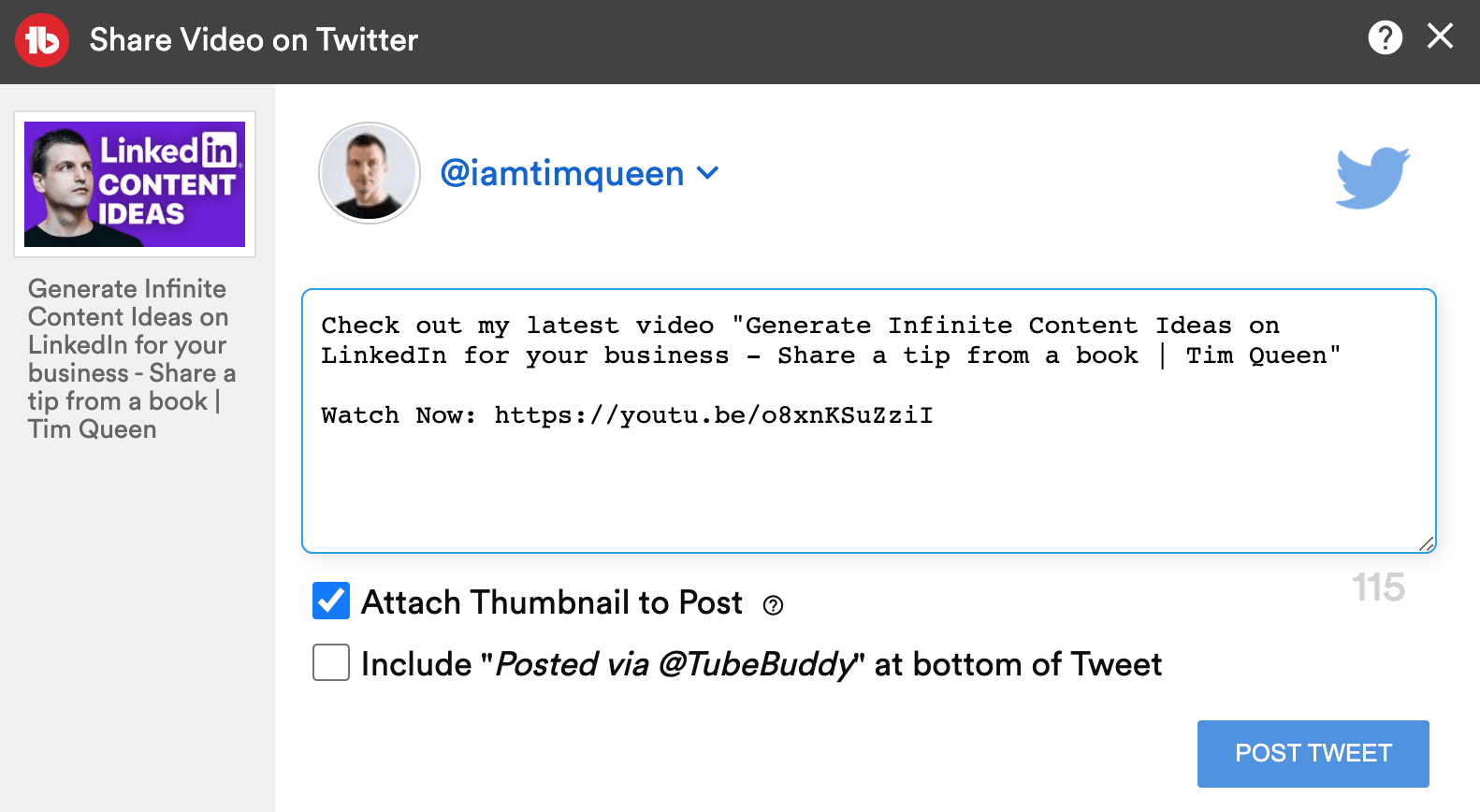
With TubeBuddy's Twitter integration, you can promote any video to Twitter with the click of a button.
While this is useful, I recommend using a more robust platform such as SocialBee that allows you to automatically import and schedule all of your YouTube videos across all of your social media channels on autopilot.
Facebook Integration
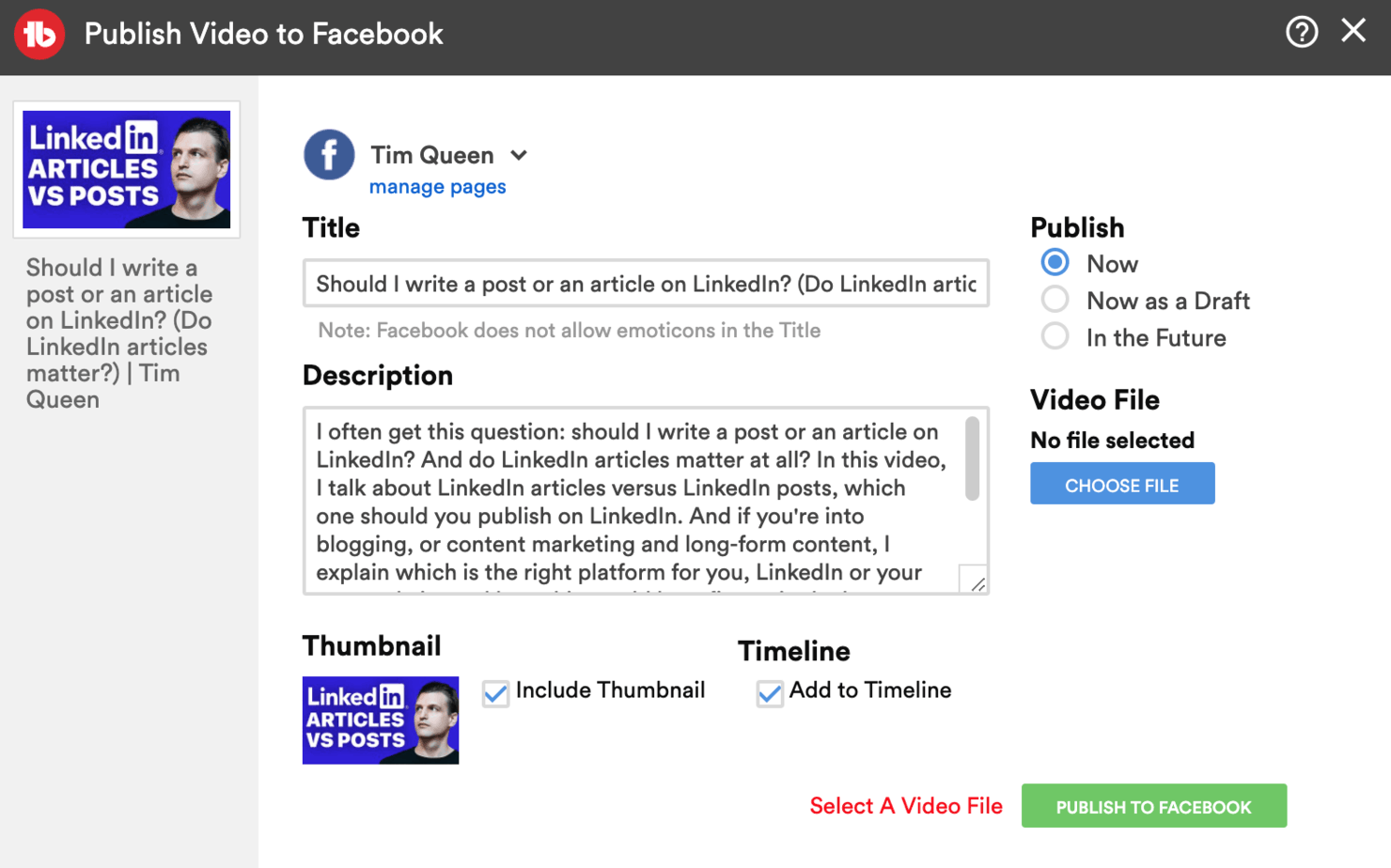
The TubeBuddy Facebook integration allows you to cross-upload your YouTube video as a native video on your Facebook page.
While this tool makes it super simple to keep your metadata in sync and to get more views on Facebook, it will probably not help you to grow your YouTube channel.
After all, why would a hardcore Facebook user bother to visit your YouTube channel, if you already uploaded the full video onto their platform?
A much better way to promote your videos on Facebook is by creating short 30- to 60-second video snippets of your YouTube video, and then publish these on Facebook with a link to watch the full video on YouTube.
You can learn more about this in my Publish to Facebook review.
Social Bluebook Integration
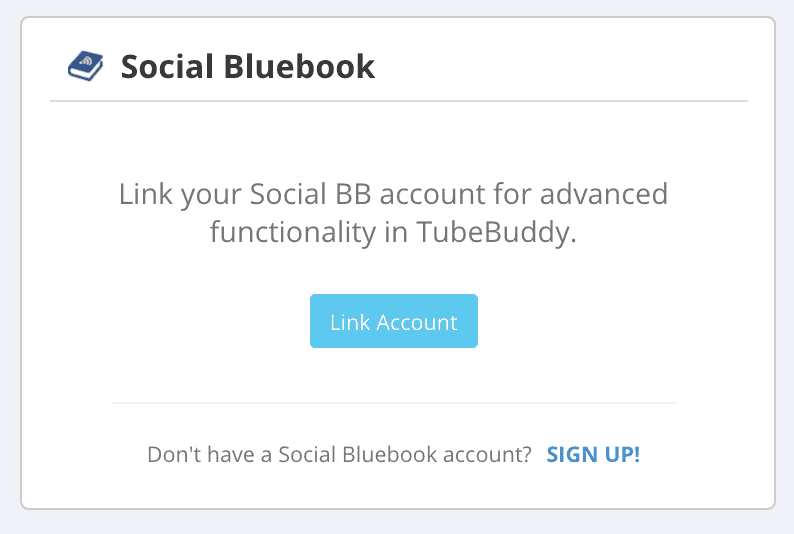
If you have a Social Bluebook account and link it to TubeBuddy, you will be able to see your channel evaluation and suggested sponsorship price per video within the TubeBuddy dashboard.
Magiclinks Integration
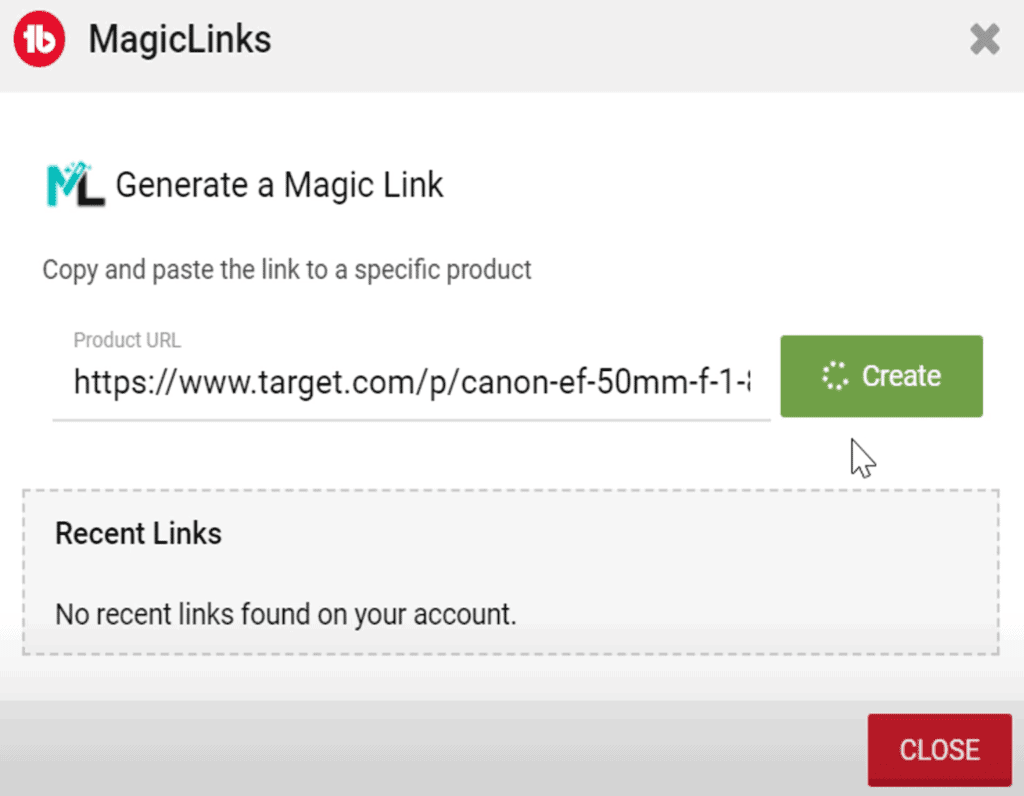
MagicLinks is a platform for content creators who don't want to sign up for individual affiliate programs every time they want to promote a product.
Once you have linked your MagicLinks account with TubeBuddy a new button will appear just below your video descriptions. Press it and then enter any product URL and MagicLinks will convert it into a tracking link that allows you to earn a commission for each sale.
Next Steps
TubeBuddy is an amazing tool, and with just the right integrations it's even better.
I personally like the Patreon integration the most. It makes it super simple to keep in touch with your paying supporters and ensures that they feel that maintaining their membership is totally worth it.
If you want to learn how TubeBuddy can support you and your YouTube channel, make sure to check out my TubeBuddy review.


