Image formats, resolutions, and file requirements for LinkedIn.
LinkedIn supports JPEG and PNG for all uploads.
For some features, LinkedIn also allows the upload of GIF files. However, these GIFs are always converted into JPEG images. If you upload an animated GIF, LinkedIn will only display the first frame. The only exception to this is LinkedIn image posts, see below.
The maximum image resolution and file size differs across different features of the LinkedIn platform and is explained in more detail for each placement below.
LinkedIn content image formats
LinkedIn encourages the members to create content on LinkedIn as a way to build up your presence and initiating discussions. You can create content in the form of LinkedIn posts and articles.
External links images requirements
When you share an article from an external website, LinkedIn will extract social media images based on the Open Graph Protocol:
<meta property='og:title' content='Title of the article'/>
<meta property='og:image' content='//media.example.com/ 1234567.jpg'/>
<meta property='og:description' content='Description that will show in the preview'/>
<meta property='og:url' content='//www.example.com/URL of the article'/>
LinkedIn supports the following image formats for external links:
- JPEG
- PNG
- GIF (will be converted to JPEG)
The maximum image size for external article images is 5MB.
LinkedIn says that the minimum image dimension is 1200x627 pixels with a recommended aspect ratio of 1.91:1 but based on my research images are cropped at a width of 800 pixels.
LinkedIn also supports a much broader range of aspect ratios between 1:2.4 to 2.4:1.
Articles image requirements
LinkedIn articles support the following image formats:
- JPEG
- PNG
- GIF (will be converted to JPEG)
The maximum filesize for article images is 10 MB.
The recommended resolution for article images is 1280x720 pixels, this represents an aspect ratio of 16:9.
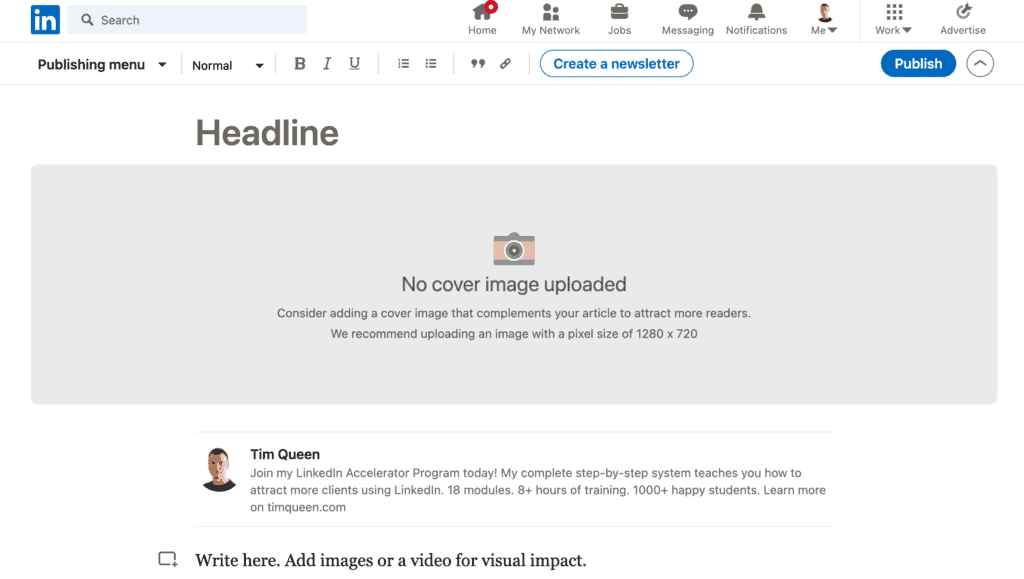
Photo post requirements
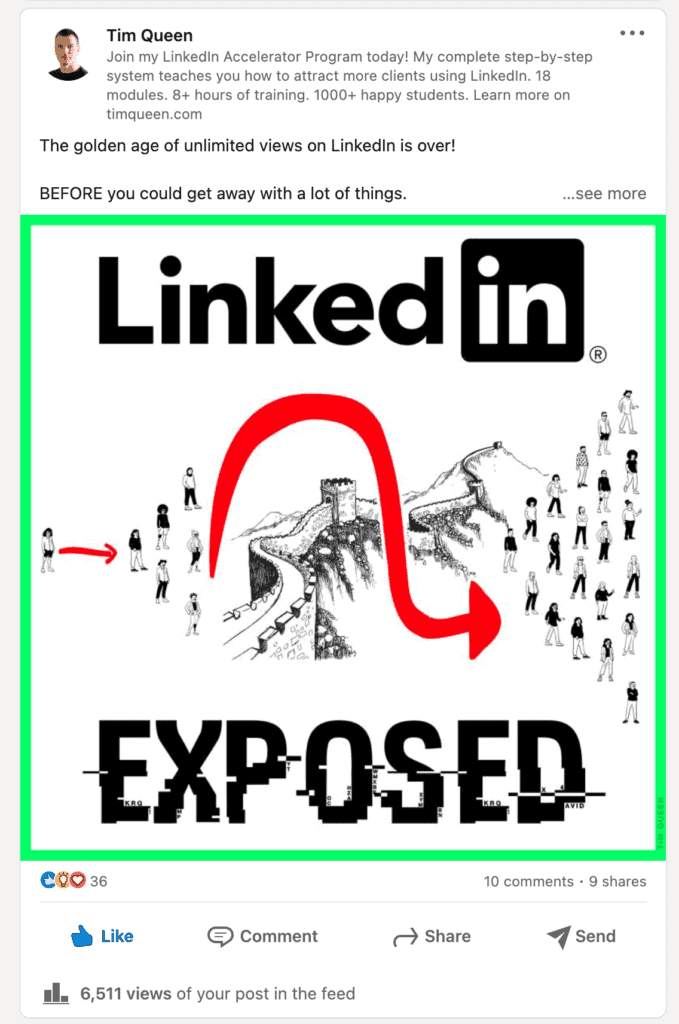
LinkedIn posts support the following image formats:
- JPEG
- PNG
- GIF, including animated GIFs
The maximum file size of photo posts is 5 MB.
LinkedIn recommends a resolution of at least 552x276 pixels. The photo aspect ratio ranges from 3:1 to 2:3 (width/height). If the ratio is larger, the image will be centered and cropped.
Uploaded photos can't be resized. Small, low-resolution photos may appear in a low-quality.
When you craft a photo posts, you can also add accompanying text to illustrate your message. Previously, LinkedIn only allowed a limit of 1,300 characters but today you can go up to a max of 3,000 characters.
Video post requirements
LinkedIn supports the following video encoding format across its platform:
- AAC
- ASF
- FLV
- MP3
- MP4
- MPEG-1
- MPEG-4
- MKV
- WebM
- H264/AVC
- Vorbis
- VP8
- VP9
- WMV2
- WMV3
The following video encodings are not supported:
- AVI
- ProRes
- MPEG-2
- Raw Video
- VP6
- WMV1
- QuickTime
- .MOV
The video file size must be between 75KB and 5GB. It is recommended to compress all video files before uploading them to LinkedIn.
I recommend sticking with traditional resolutions such as 1080p (1920x1080) or 4K (3840x2160). LinkedIn supports any resolution between 256x144 to 4096x2304 pixels and an aspect ratio between 1:2.4 to 2.4:1.
LinkedIn supports video duration between 3 seconds and 10 minutes max. I recommend limiting yourself to 9 minutes and 59 seconds, as LinkedIn will reject videos even if they just contain 1 extra frame.
For frame rates, I recommend either 24, 30, or 60 frames per second. LinkedIn allows frame rates between 10 and 60 fps. The video bitrate should be between 192 kbps and 30 Mbps.
Uploaded photos/videos can’t be edited.
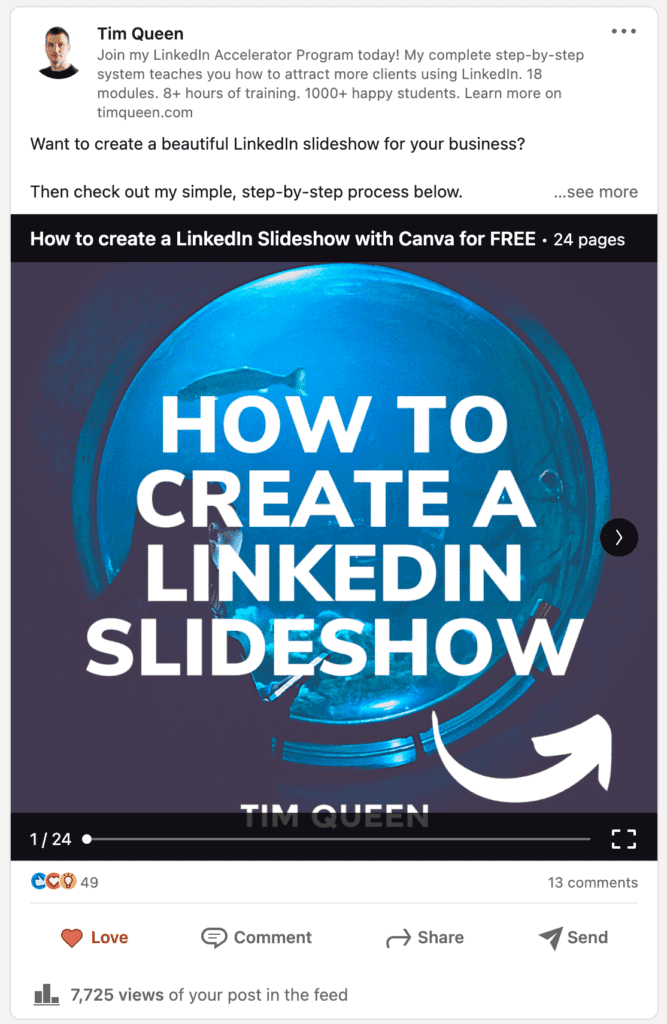
Document post requirements
LinkedIn allows users to upload documents with embedded images in the following formats:
- PPT
- PPTS
- DOC
- DOCX
The maximum file size of documents is 100MB, with fewer than 300 pages.
Always make sure that the document’s file size is 100 MB or less and contains
fewer than 300 pages.
The recommended aspect ratios range between 1:2.4 to 2.4:1. From my experience traditional print formats such as US letter or A4, and square aspect ratios work best for this type.
Document posts work exceptionally well for LinkedIn carousel post.
LinkedIn messages image requirements
You can send image attachments in the following formats:
- GIF
- JPEG
- PNG
- BMP
The combined file sizes of attachments cannot exceed 20 MB.
There are no limitations in terms of image aspect ratio for message attachments.
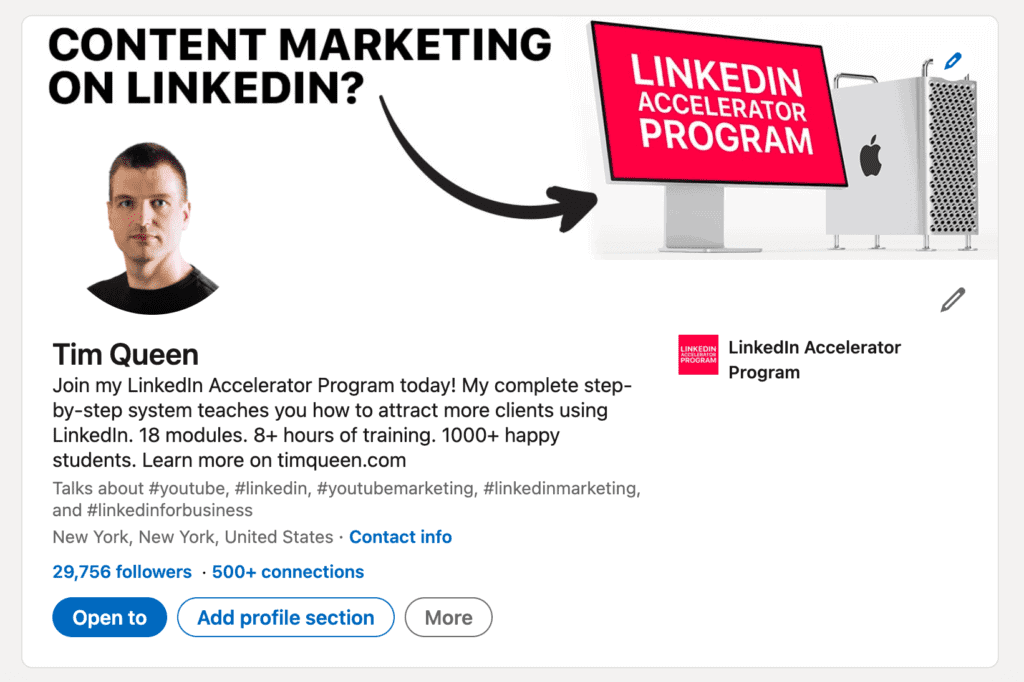
LinkedIn profile
Profile photo requirements
LinkedIn profile photos support the following image formats:
- JPEG
- PNG
- GIF (will be converted to JPEG)
The maximum file size of profile photo uploads is 8MB.
You can upload images with dimensions between 400x400 and 7680x4320 pixels. LinkedIn will crop and resize your profile to a maximum of 400x400 pixels.
LinkedIn requires a square image aspect ratio. Uploaded images that are not square will be cropped.
Profile cover image requirements
LinkedIn profile cover images support the following image formats:
- JPEG
- PNG
- GIF (will be converted to JPEG)
The maximum file size of cover images is 8MB.
File types must be JPEG or PNG, GIFs are not supported.
LinkedIn recommends a resolution of 1584x396 pixels. But based on my research, you should always upload 1400x350 pixels for pixel-perfect results. The image aspect ratio is 4:1.
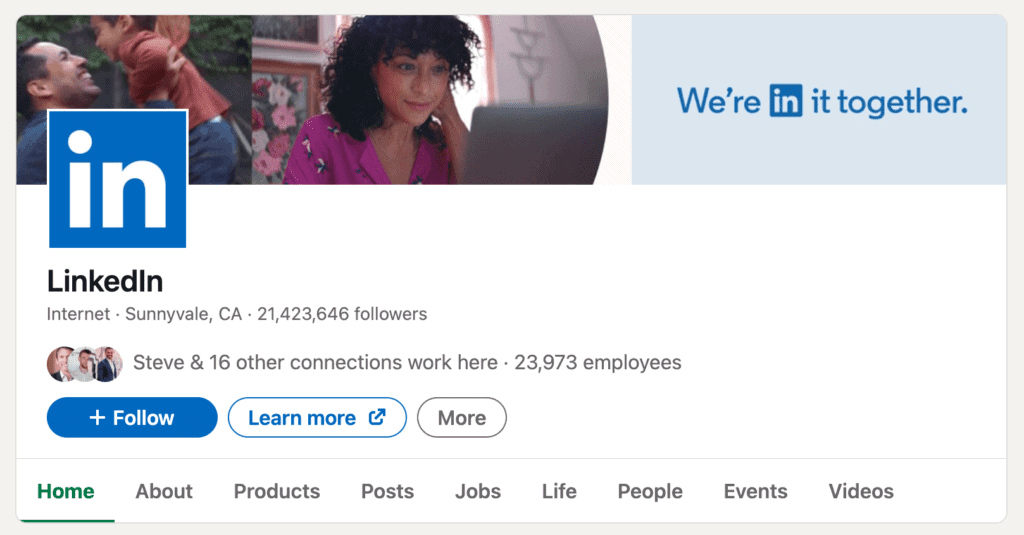
LinkedIn company page
Company page logo requirements
LinkedIn company page logo images support the following image formats:
- JPEG
- PNG
- GIF (will be converted to JPEG)
Company page logos require a resolution of 268x268 pixels, with an aspect ratio is 1:1.
Company page cover images requirements
LinkedIn company page cover images support the following image formats:
- JPEG
- PNG
- GIF (will be converted to JPEG)
The recommended resolution is 1128x191 pixels, with an aspect ratio is 5.8:1.
LinkedIn career pages
The LinkedIn career page is a feature under the LinkedIn company page. You can purchase Career Pages from LinkedIn.
Career pages support the following image formats:
- JPEG
- PNG
- GIF (will be converted to JPEG)
Career page main image requirements
The recommended main image resolution is 1128x376 pixels.
Career page custom modules requirements
The recommended image custom module resolution is 502x282 pixels.
Career page company photo requirements
The image resolution for company photos requires a minimum of 264x176 pixels, but LinkedIn recommends 900x600 pixels instead.
You can check out my article for other best practices to grow your LinkedIn page followers.
LinkedIn groups
LinkedIn Groups is a feature that provides a place for professionals who are in the same industry or have similar interests to come together to share, and discuss their insights and experiences about topics they are interested in.
A LinkedIn member can create a group and become the owner of the group. When creating the group, you've to put in the group name and description.
The group icon and cover image are not compulsory but I highly recommend you to add them to create a sense of branding and identity for the members to connect to.
LinkedIn groups support the following image formats:
- JPEG
- PNG
- GIF (will be converted to JPEG)
The maximum file size for group images is 8MB,
Group logo image requirements
Group logos have a resolution of 84x84 pixels, with an aspect ratio of 1:1.
Group cover image requirements
The resolution of group cover images is 540x135 pixels, with an aspect ratio of 4:1.
LinkedIn events
The LinkedIn Events feature provides members with an easy way to create and join professional online and in-person events that interest them, such as meetups, online workshops, seminars, and more.
A LinkedIn member can create an event as the organizer using the personal profile or using a company page (as a super or content admin).
When setting up the event, the organizer puts in compulsory details of the event like the title, date, time, description, and the speakers. It's not compulsory but I highly recommend adding a cover image (banner) for the event to make it visually appealing.
This image is also used as a thumbnail and also shows as the post image on your feed when the event is created.
LinkedIn events support the following image formats:
- JPEG
- PNG
- GIF (will be converted to JPEG)
The max file size for uploaded images is 8MB
The recommended banner size is 1040 x 232 pixels, with an aspect ratio of 16:9.
Building a content business on LinkedIn
If you want to learn more about how to use LinkedIn for business I recommend checking out my LinkedIn Growth blog.
You can also read my LinkedIn Hashtag Guide which shows you how to find the best hashtags for organic discoverability on LinkedIn.
And, if you are looking for a complete A-Z client attraction system, check out my LinkedIn Accelerator Program here.