Optimize your YouTube channel and videos for pixel-perfect results
If you want your YouTube channel and your videos to look the best, you should always follow the gold standard of uploading pixel-perfect icons and images to achieve the best possible results.
This article talks about all YouTube dimensions, including video resolution, thumbnail size, info cards, end screens, channel memberships, channel banners, and channel icons.
Check out the Table of Contents on the right, if you're reading this article on your computer.
YouTube Video Dimensions
YouTube Aspect Ratio
On desktop computers, the recommended aspect ratio for YouTube is 16:9.
If your video has a different aspect ratio, the player will automatically adjust and select the best player size depending on the viewer's device and your video's dimension.
YouTube may add additional padding for optimal viewing of a particular video and device aspect ratios, such as 9:16 vertical videos on PC browsers. The padding is dark grey by default when the Dark theme is enabled.
Never add padding or black bars to your movie for the best results. YouTube's ability to dynamically change the player to your video size and the viewer's device is negatively impacted by any added padding.
YouTube Resolutions
When you upload videos to YouTube, regardless of their resolution, they will be processed first for the lowest quality settings 240p, 360p, and 480p.
This enables you almost instantly to stream your videos in low quality to various devices. The higher the video resolution, the slower the processing time.
Below, you find a table of all supported YouTube video resolutions.
| Name | Quality | Resolution | Rating |
| 4320p | 8K | 7680 x 4320 | Not recommended before 2026. |
| 2160p | 4K | 3840 x 2160 | Highly recommended for most YouTube videos. |
| 1440p | 2K / Quad HD | 2560 x 1440 | Only use this resolution for pixel-perfect screencasts. |
| 1080p | Full HD | 1920 x 1080 | Recommended for YouTube beginners with slower computers and internet connection. |
| 720p | HD | 1280 x 720 | Only use this resolution if you upload over a 3G mobile internet connection. |
| 480p | SD | 854 x 480 | Not recommended unless you're uploading an old video of the same native video resolution. |
| 360p | LD | 640 x 360 | Same recommendation as for 480p. |
| 240p | VHS | 426 x 240 | Same recommendation as for 480p. |
Below you can see a visual representation of how the different resolutions compare. Pay attention to how 4K video, aka 2160p, uses up four times more pixels than 1080p, even though it is only twice as wide.
The same happens when we upgrade from 4K to 8K videos. The required data volume, CPU speed, and internet speed requirement grow by a factor of four.
A 1080p or 2160p video can often take hours to process until all higher resolutions have been rendered. During that time, viewers can only watch your videos in lower resolutions.
I always recommend uploading your Full HD and 4K videos as unlisted videos at least a day before the planned publication date to ensure that each video is available at the highest quality when you set it to public.
The best video dimension for YouTube videos is 4K. Most modern computer displays, TVs, and many mobile devices natively support 4K quality.
It is the video resolution that most modern computer systems can handle when you edit your videos, so you don't have to upgrade your hardware.
If you are a YouTube beginner, especially if you have an older computer or a slow internet connection, I recommend using Full HD or 1080p instead.
It's more important that you publish more videos regularly, instead of trying to edit videos in slow motion and waiting hours or days for an upload to complete.
Trust me. It is no fun to restart a video upload after 10 hours of uploading because your wifi connection temporarily glitched. 😉
YouTube Framerate
The maximum framerate for YouTube videos is 60 frames per second. YouTube recommends only uploading videos with a minimum of 24 frames per second.
Other good YouTube framerates include 24, 25, 30, 48, 50, and 60 frames per second, but other frame rates are also acceptable.
Before uploading an interlaced video, you must deinterlace them. 1080i60 content, for example, should be deinterlaced to 1080p30.
I recommend sticking to your camera's default framerate. If you have an iPhone, this is typically 30 fps or 60fps. If you have a Sony A6600 with PAL color settings, the frame rate is 25.
When you're combining videos of different framerates, set your project framerate to the dominant framerate. In most cases, that's the framerate of your primary video camera.
YouTube Video Length
The maximum video length for YouTube videos is 12 hours. By default, new YouTube channels can only upload videos of up to 15 minutes unless they verify their YouTube account.
I recommend keeping most of your videos between 5 and 15 minutes. You can learn more about the ideal video length in my article on how to get 4000 hours of YouTube watch time.
YouTube Filesize
The maximum filesize for YouTube videos is 256GB.
In most scenarios, you would only ever get close to this file size if you upload 8K videos. I recommend optimizing your video file size before uploading.
This shortens your upload time, but it also reduces the time YouTube takes to process your video.
In comparison, even a 20 GB video that is nowhere near the 256GB limit can sometimes take days to process.
YouTube puts those videos on the lowest priority within its rendering queue and rewards creators who save them CPU and disk space resources with faster processing.
YouTube Thumbnails Dimensions
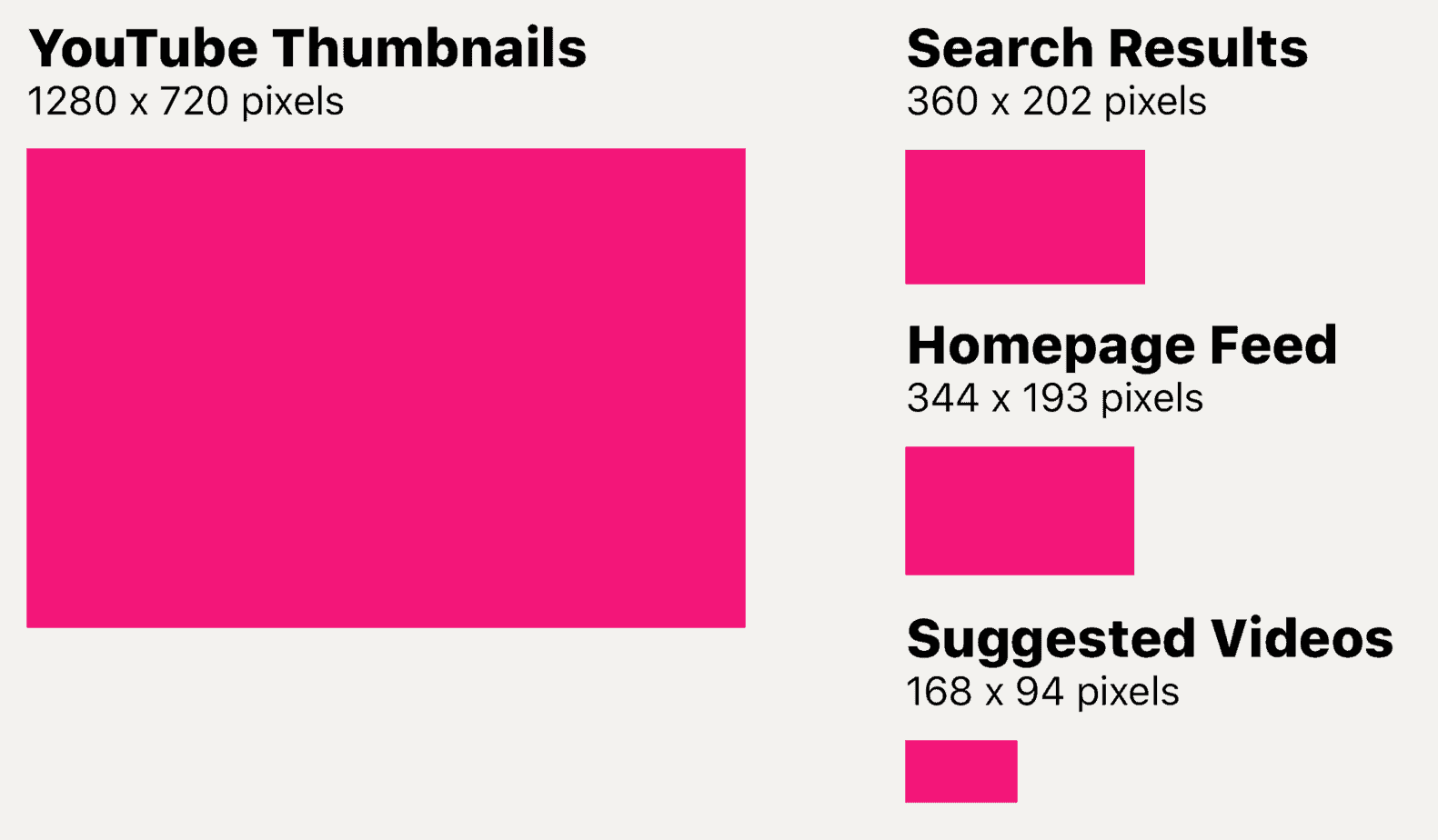
YouTube thumbnails have an image resolution of 1280 x 720 pixels.
However, you will probably never see video thumbnails in their native full resolution. YouTube uses different resolutions depending on where a video thumbnail is displayed.
Below you can see three different image sizes of how thumbnails are displayed on desktop browsers.
Check out my YouTube Thumbnails Guide to learn how to design top-looking thumbnails that boost your video click-through rate.
YouTube Shorts Dimensions
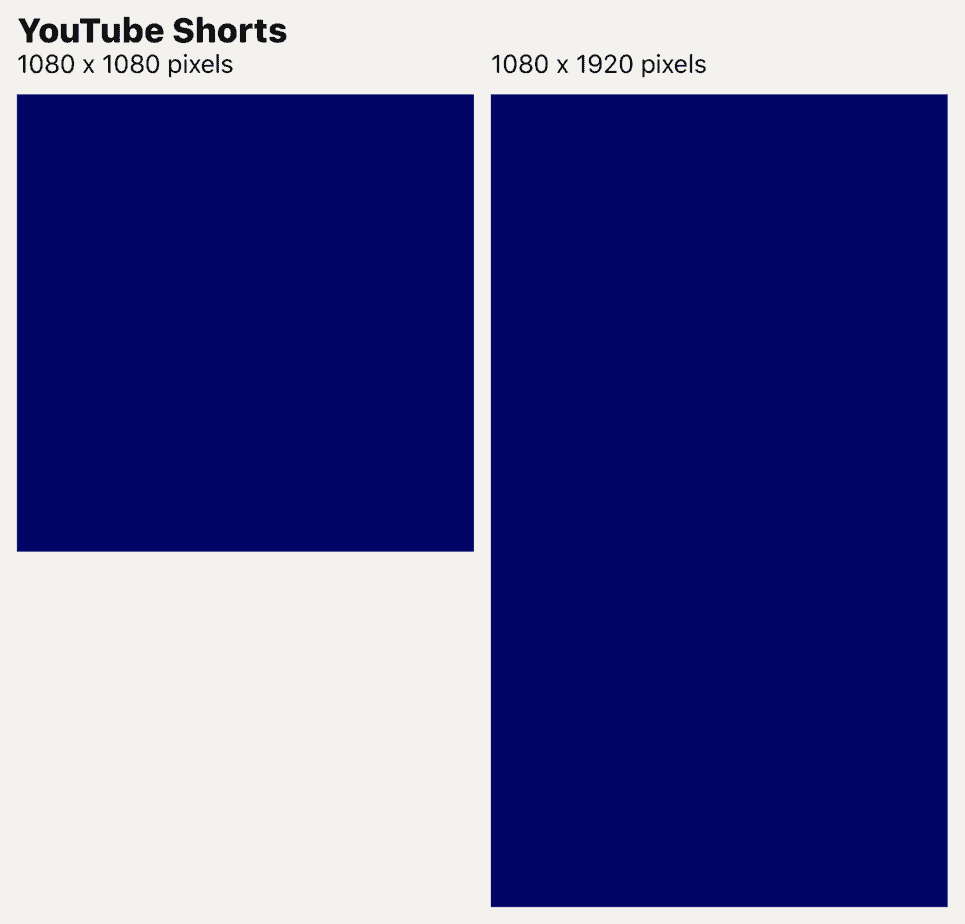
Shorts on YouTube don't need to be vertical as long as they're at least square.
Thus, you can create Shorts with a 1:1 aspect ratio and dimensions of 1080 pixels by 1080 pixels.
YouTube Stories Dimensions
Stories are in beta and available to channels with over 10,000 subscribers. It may take up to seven days for Stories to show up after reaching 10,000 subscribers.

YouTube Community Post Dimensions
You can upload between one and five images as YouTube Community Posts.
The maximum dimension of YouTube Community Posts is 1600 x 1600 pixels.
YouTube Community Posts support aspect ratios between 2:5 and 5:2.

YouTube Watermark Dimensions
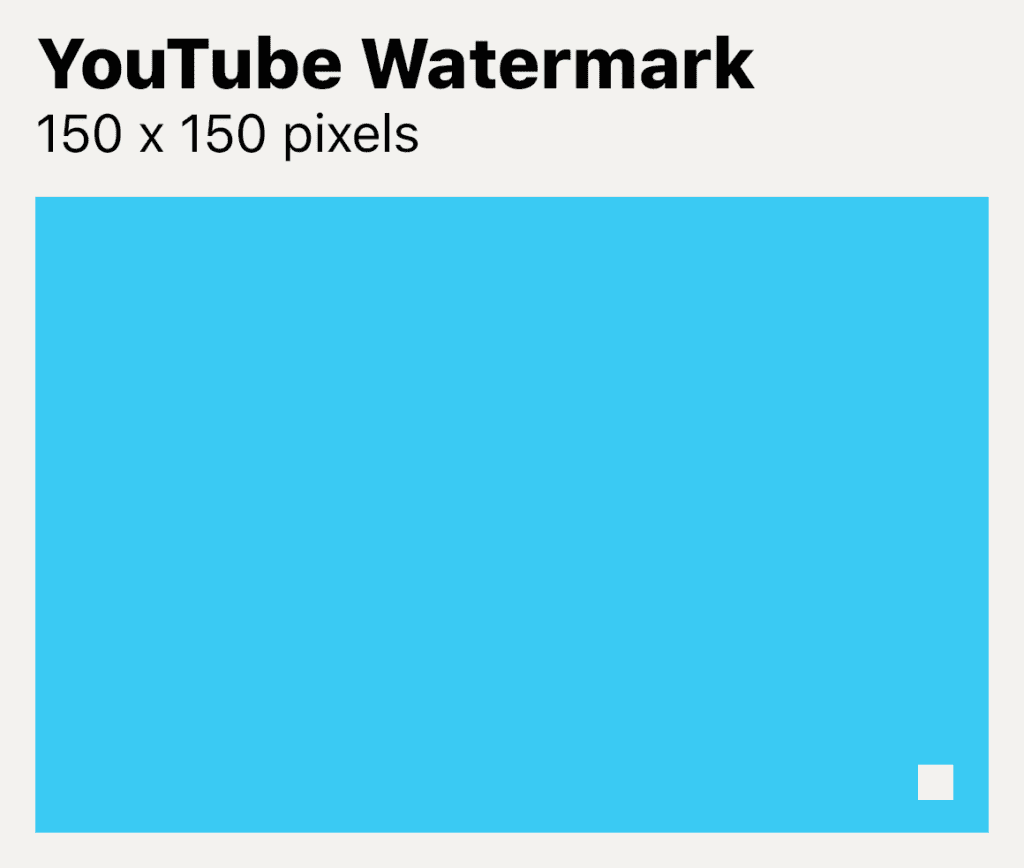
YouTube watermarks have a maximum resolution of 150 x 150 pixels, displayed in a frame of 40 x 40 pixels.
YouTube Info Card Dimensions
Recommended Videos
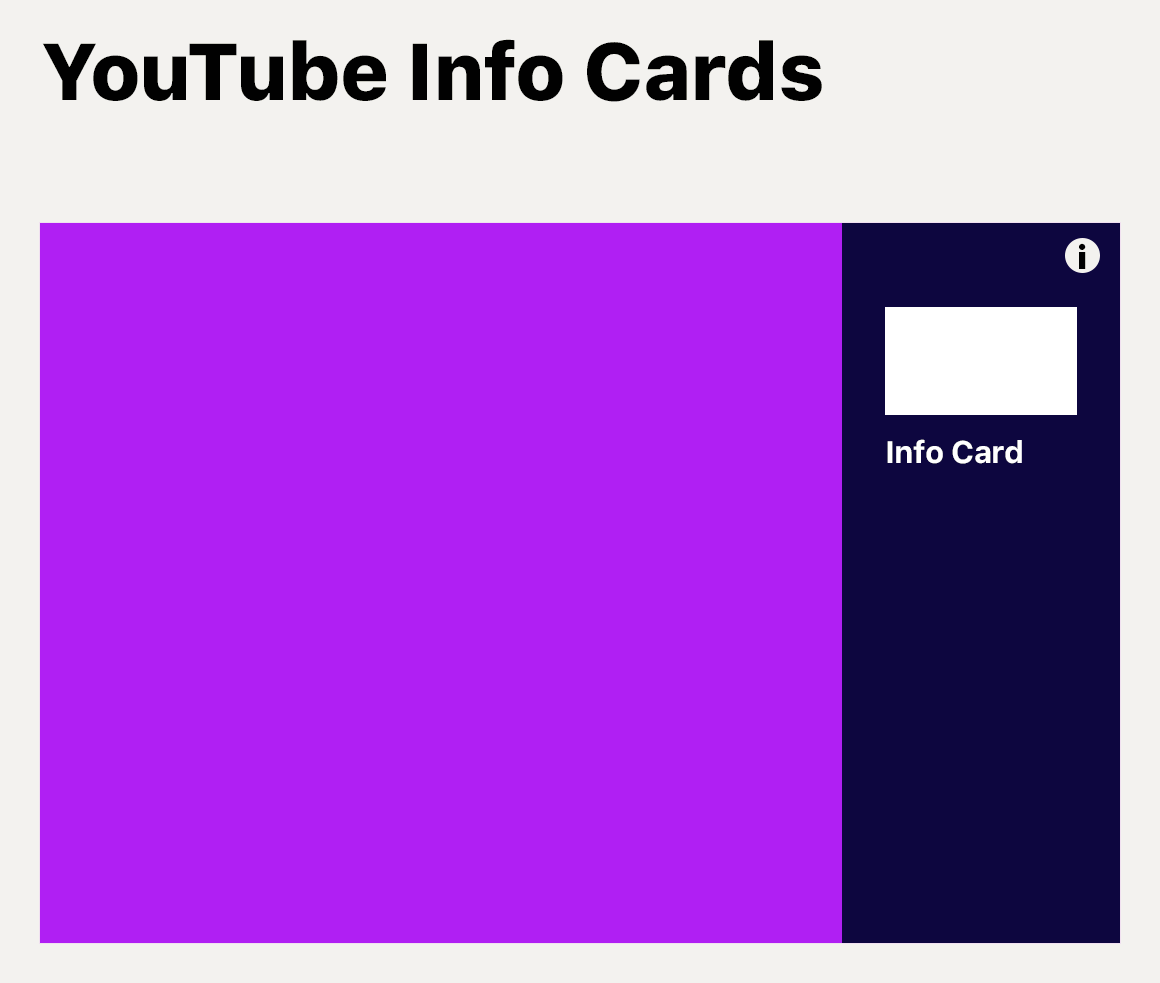
Video previews for Info Cards use the full YouTube thumbnail resolution of 1280 x 720 pixels.
They are displayed within an image frame that can fill up to 15% of the video's width.
External Links
Link previews on Info Cards have a maximum resolution of 300 x 300 pixels.
Link previews can fill up to 15% of the video's width.
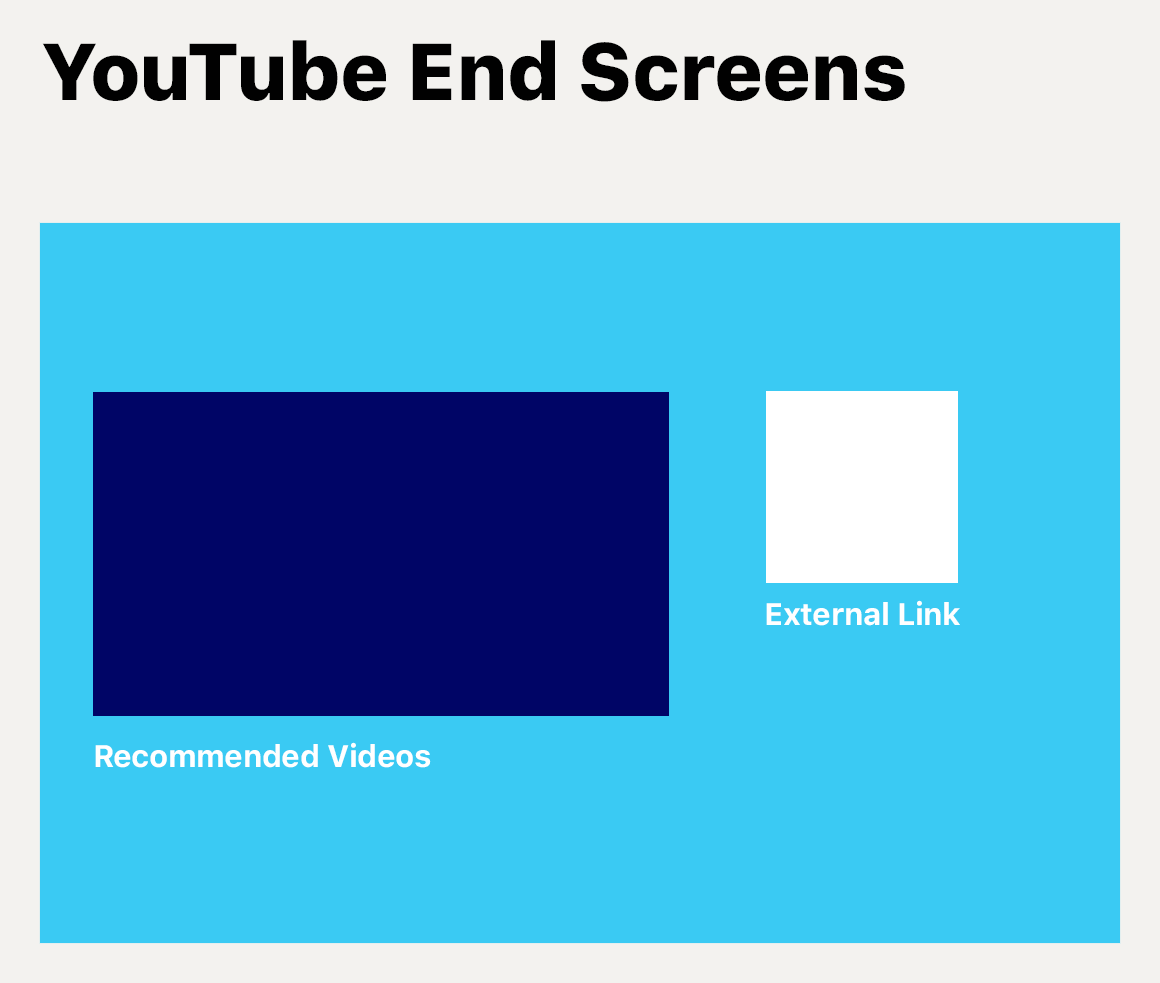
YouTube End Screen Dimensions
Recommended Videos
Video previews for End Screens use the full YouTube thumbnail resolution of 1280 x 720 pixels.
They are displayed within an image frame that can fill up to 45% of the video's width.
External Links
Link previews on End Screens have a maximum resolution of 300 x 300 pixels.
Link previews can fill up to 15% of the video's width.
YouTube Channel Banner Dimensions
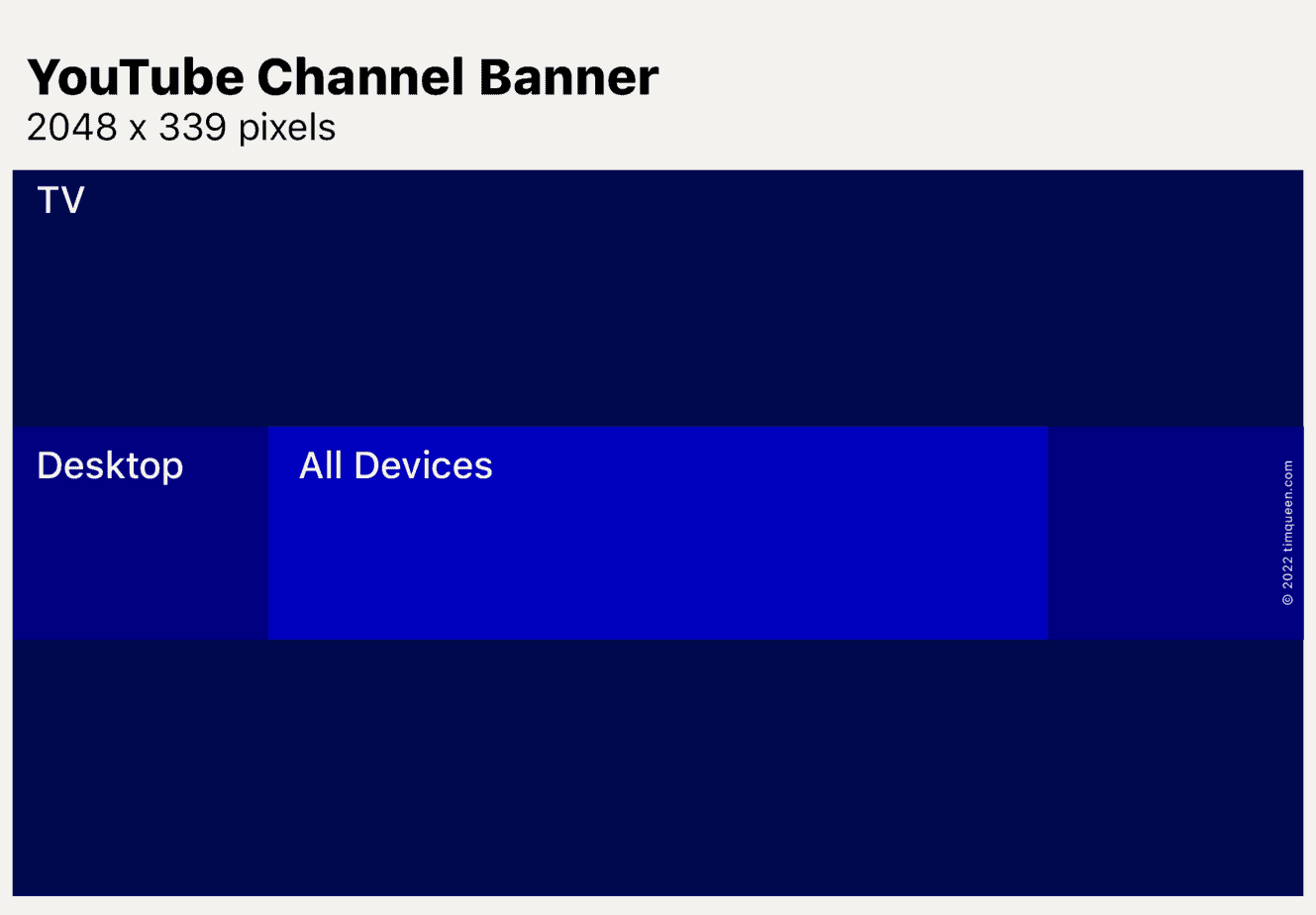
The recommended resolution of YouTube Channel Banners is 2048 x 1152 pixels.
On Desktop, YouTube will only display 2048 x 339 pixels from the image center.
On Mobile, YouTube Channel Banners will be cropped to 1235 x 339 pixels from the image center.
I have created two free YouTube Channel Banner templates that you can access via this link. Just type in your name and email address and I will email you the Adobe Photoshop and Canva templates to your email address.
YouTube Channel Icon Dimensions
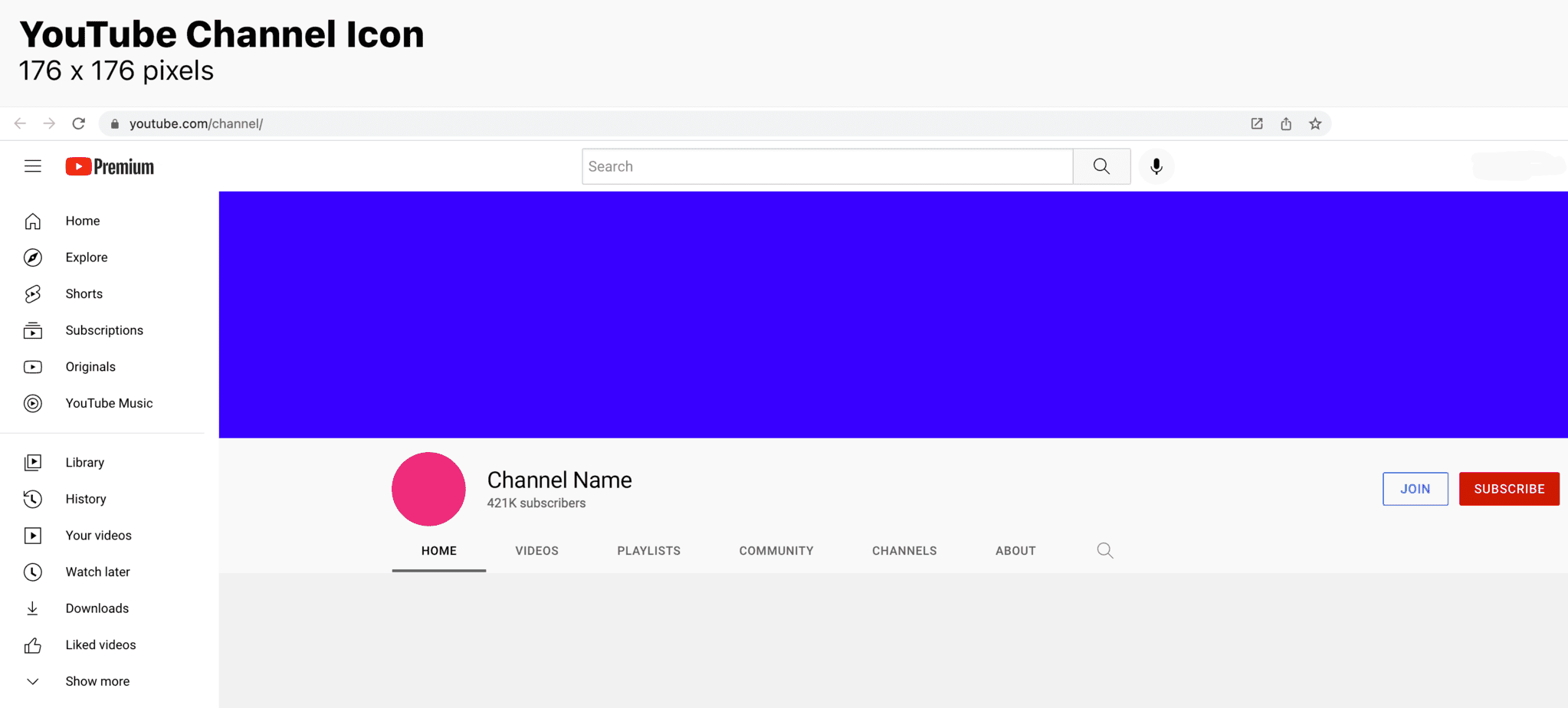
YouTube Channel Logos have a maximum resolution of 176 x 176 pixels.
Channel Icons are displayed in an 80 x 80 pixels frame.
YouTube Channel Membership Dimensions
Badges
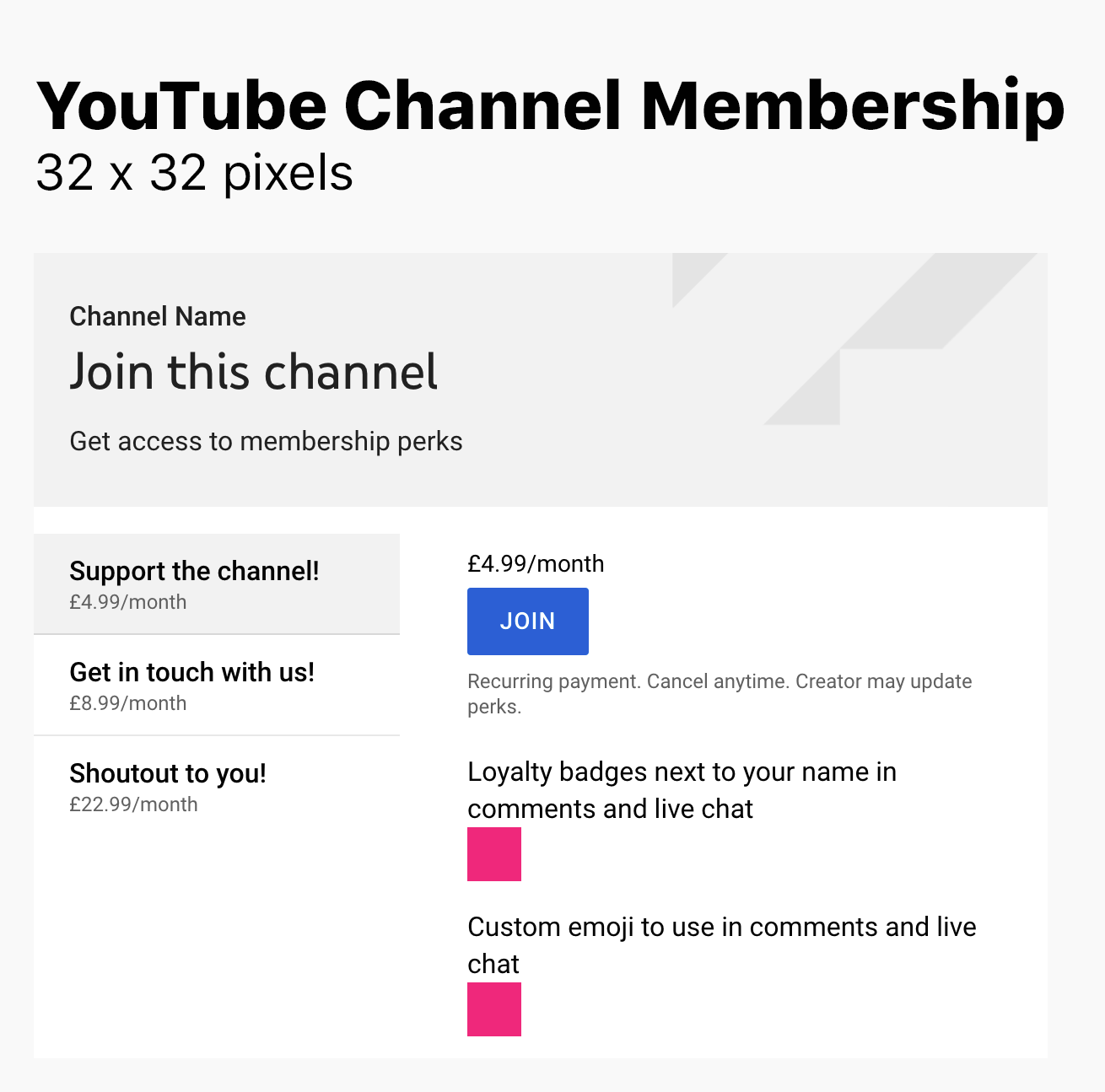
Badges for YouTube Channel Members have a maximum resolution of 32 x 32 pixels.
Emojis
Emojis for YouTube Channel Memberships have a maximum resolution of 32 x 32 pixels.
YouTube Embed Dimensions
The default embed dimension for YouTube videos is 560 x 315 pixels.
You can increase the embed size by tweaking the code with TubeBuddy's Advanced Embed Generator.
Start your YouTube Journey
If you want to start a new and successful YouTube channel I recommend that you check out my YouTube blog where I talk about everything "YouTube".
From how to get your first 1000 subscribers, improving your video click-through rate, joining the YouTube Partner Program, other ways how to monetize your channel, the best tools that help you grow your channel, and so much more.


