What Is Tubebuddy's SEO Studio
The SEO Studio is one of TubeBuddy's latest features that allows you to optimize your YouTube videos to rank high on YouTube and Google.
You can think of it as your all-in-one YouTube SEO Suite that helps you to optimize your video title, description, and tags for each of your videos.
Today, I am going to show you how to access this tool within TubeBuddy, and how to optimize individual videos with it to grow your channel to 1000 subscribers.
How to Optimize Your Videos for YouTube SEO With Tubebuddy
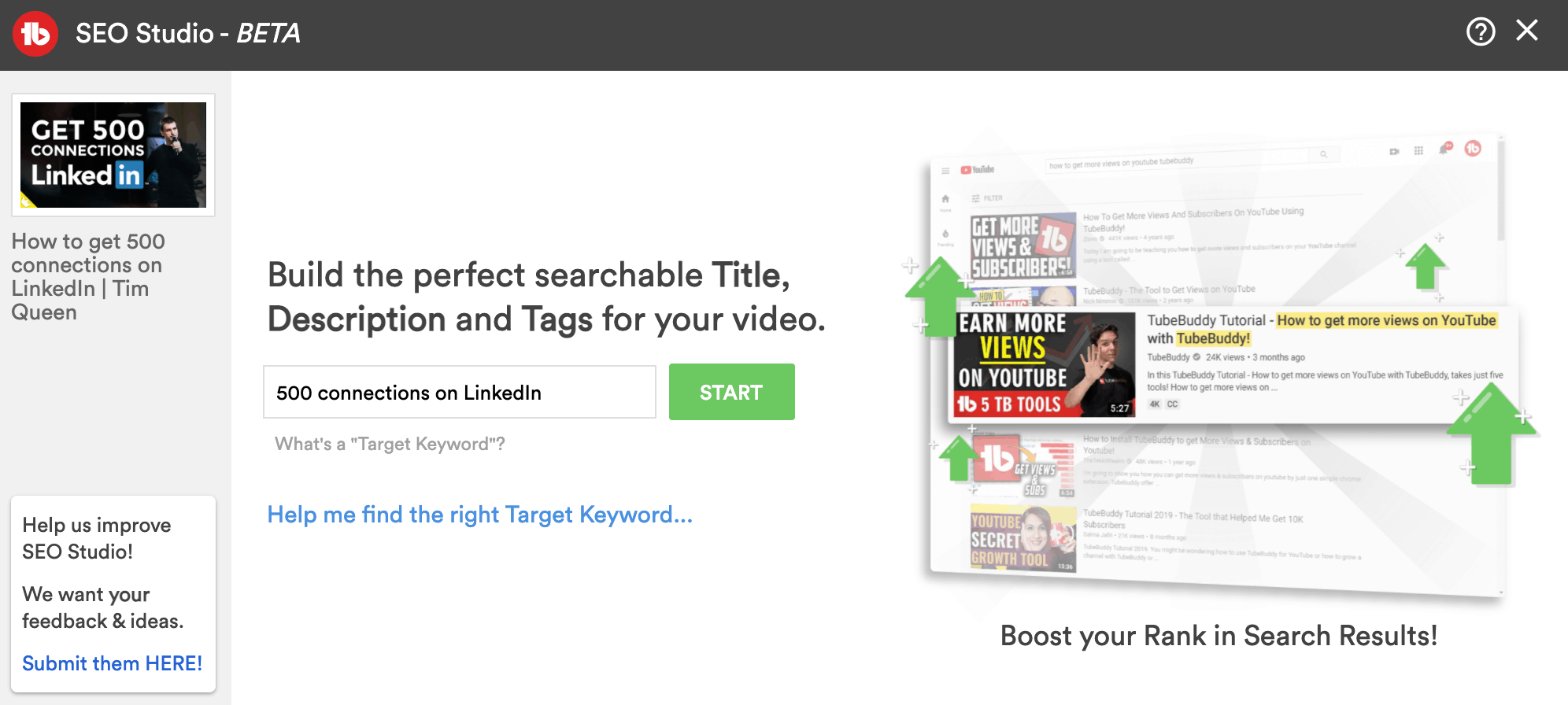
To access Tubebuddy's SEO Studio, open YouTube Studio and open the TubeBuddy menu in the top bar, and then click on SEO Studio.
A new popup will open and ask you to enter your target keyword.
If you don't have a keyword yet, use TubeBuddy's Keyword Explorer to find a high-search volume, low-competition keyword and then come back later.
Once you have typed in your target keyword hit Start.
Optimize Your YouTube Video Title
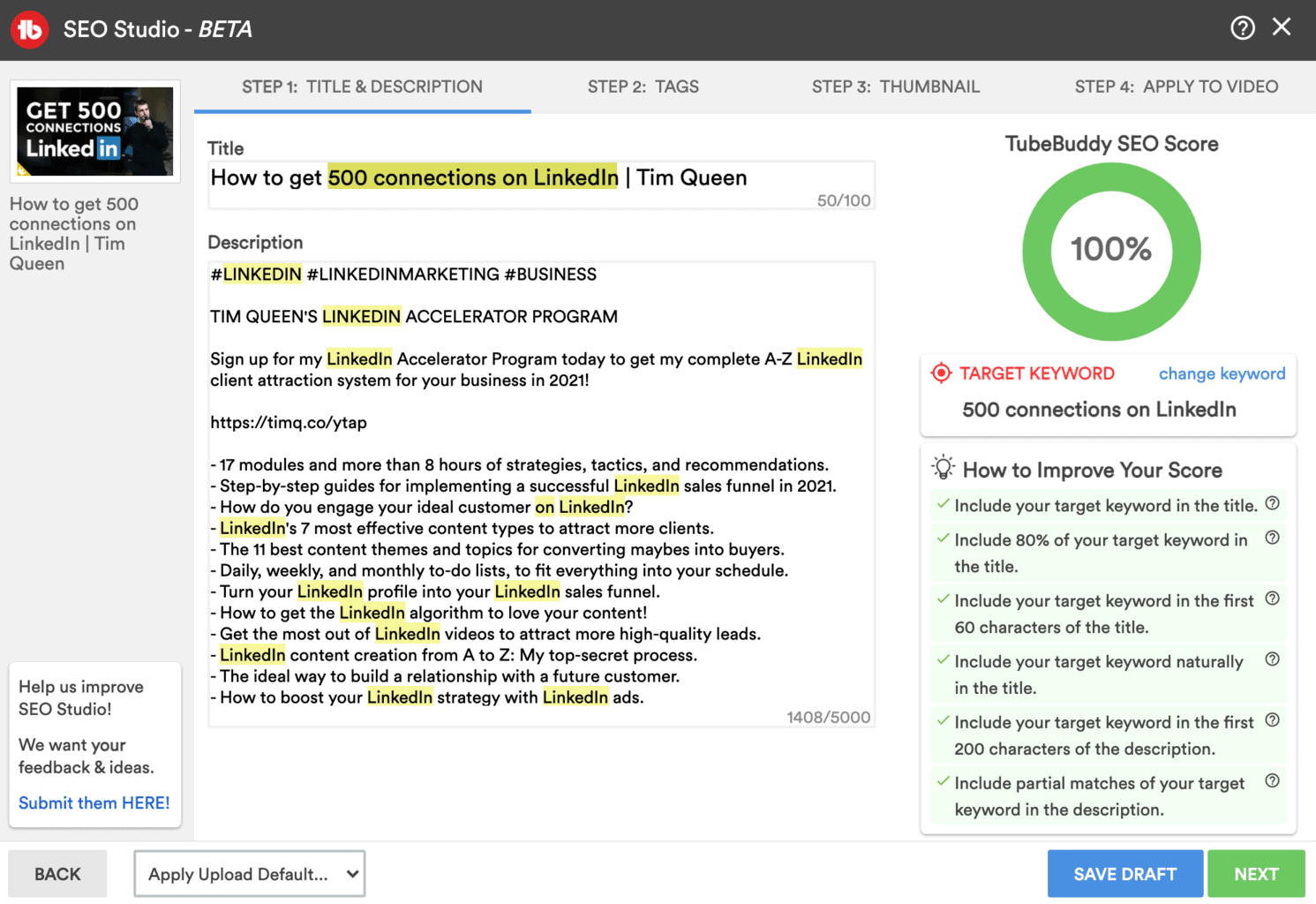
The SEO Studio writing assistant helps you to write and optimize your video title, description, and video tags.
Start by adding your target keyword to your video title and then rewrite your video title to make it clickable. TubeBuddy will give you a full SEO title score for one-to-one keyword matches, as well as 80% matches. This gives you more freedom and creativity when you optimize your YouTube title.
As you type you will notice how the SEO score on the right side changes. Below your SEO score, you will see several recommendations on how to improve your video for YouTube search.
Try to tick as many checkboxes as possible.
Optimize Your Video Description for YouTube SEO
You can add up to 5000 characters of text to your video description. This is a great place to add additional information to your video so YouTube and Google better understand what your video is all about.
The SEO writing assistant recommends adding your target keywords right at the start within the first 200 characters of your description for optimal results.
Further, it's important to include additional partial keyword matches and synonyms throughout your video description to create content cluster relevancy (within YouTube) without over-optimizing for the same keyword.
Optimize Your Video Tags With Tubebuddy's SEO Studio
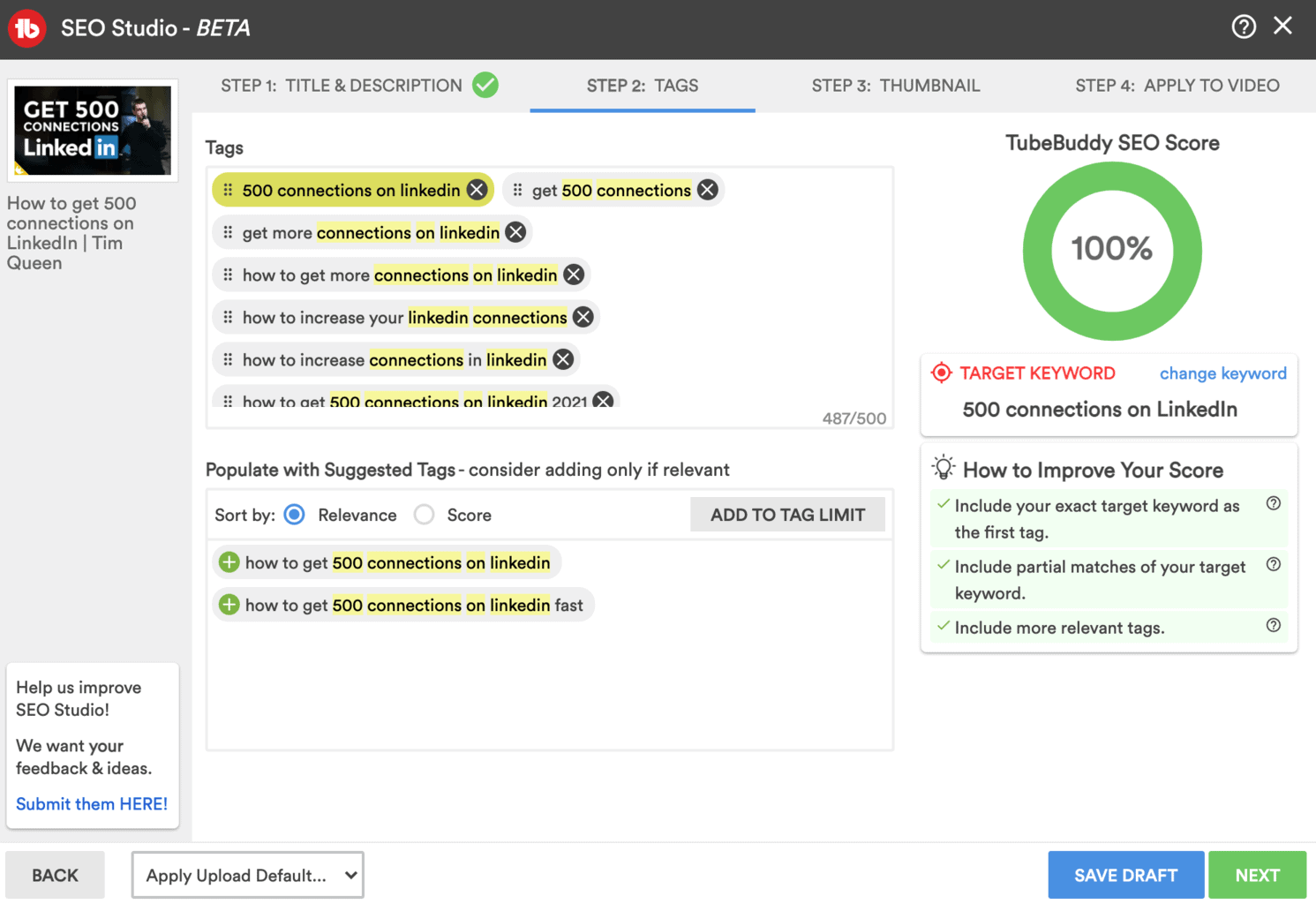
Once you're happy with your title and description, head over to the second step and optimize your tags. TubeBuddy's SEO Studio focuses on full and partial matches of your keywords.
It's also highly recommended to open TubeBuddy's Keyword Explorer tool in another tab, to find equally important cluster keywords that don't contain your target keyword.
Optimize Your Video Thumbnail
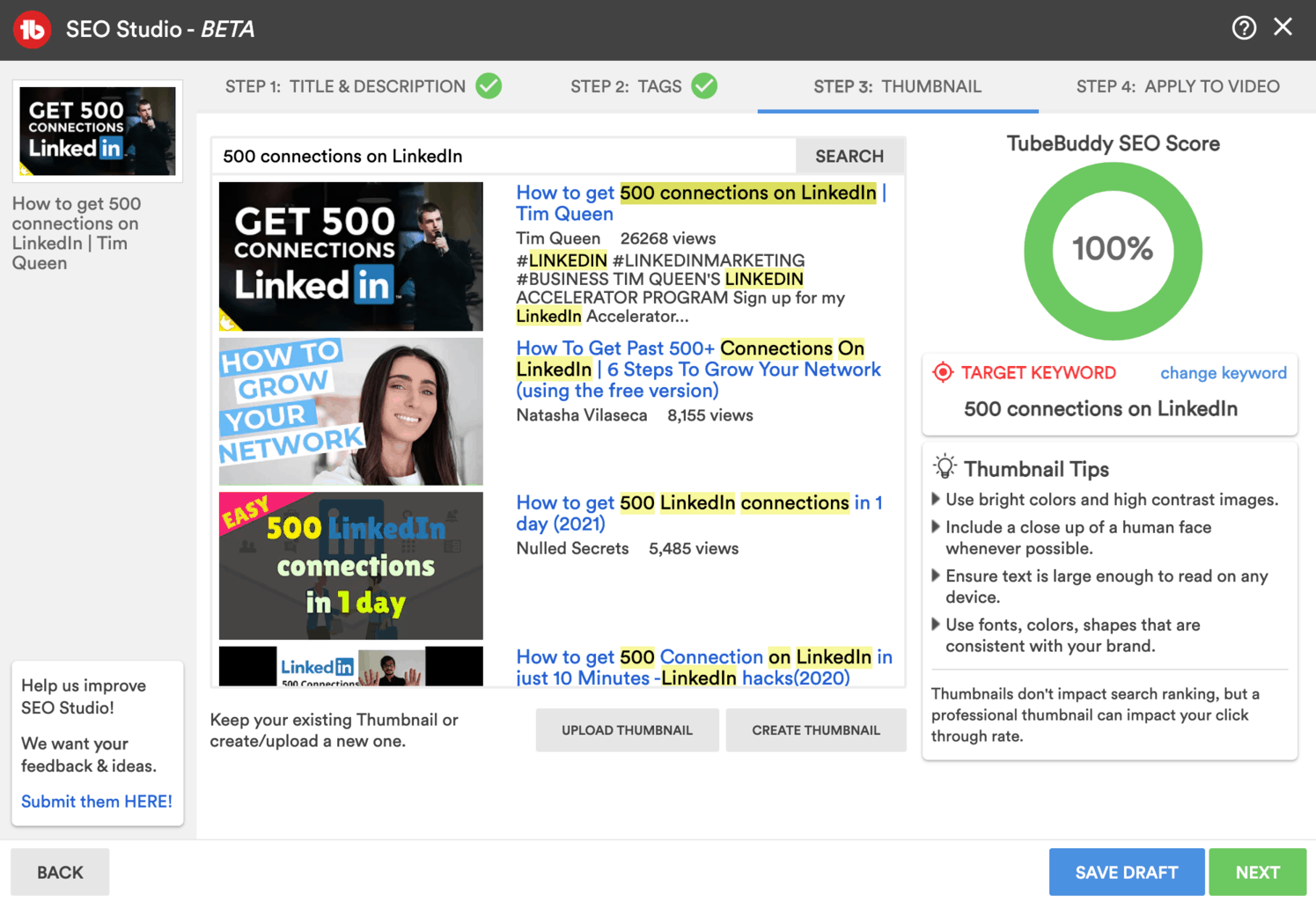
In the next step, The SEO Studio allows you to evaluate your YouTube thumbnail design against other videos that are already ranking for your target keyword.
Have a look and evaluate if your video thumbnail would stand out from the other videos.
If you're not happy with the results, you can upload and select a new thumbnail right within SEO Studio.
You can learn how to design click-worthy YouTube thumbnails in the article
Apply Your Video Optimizations
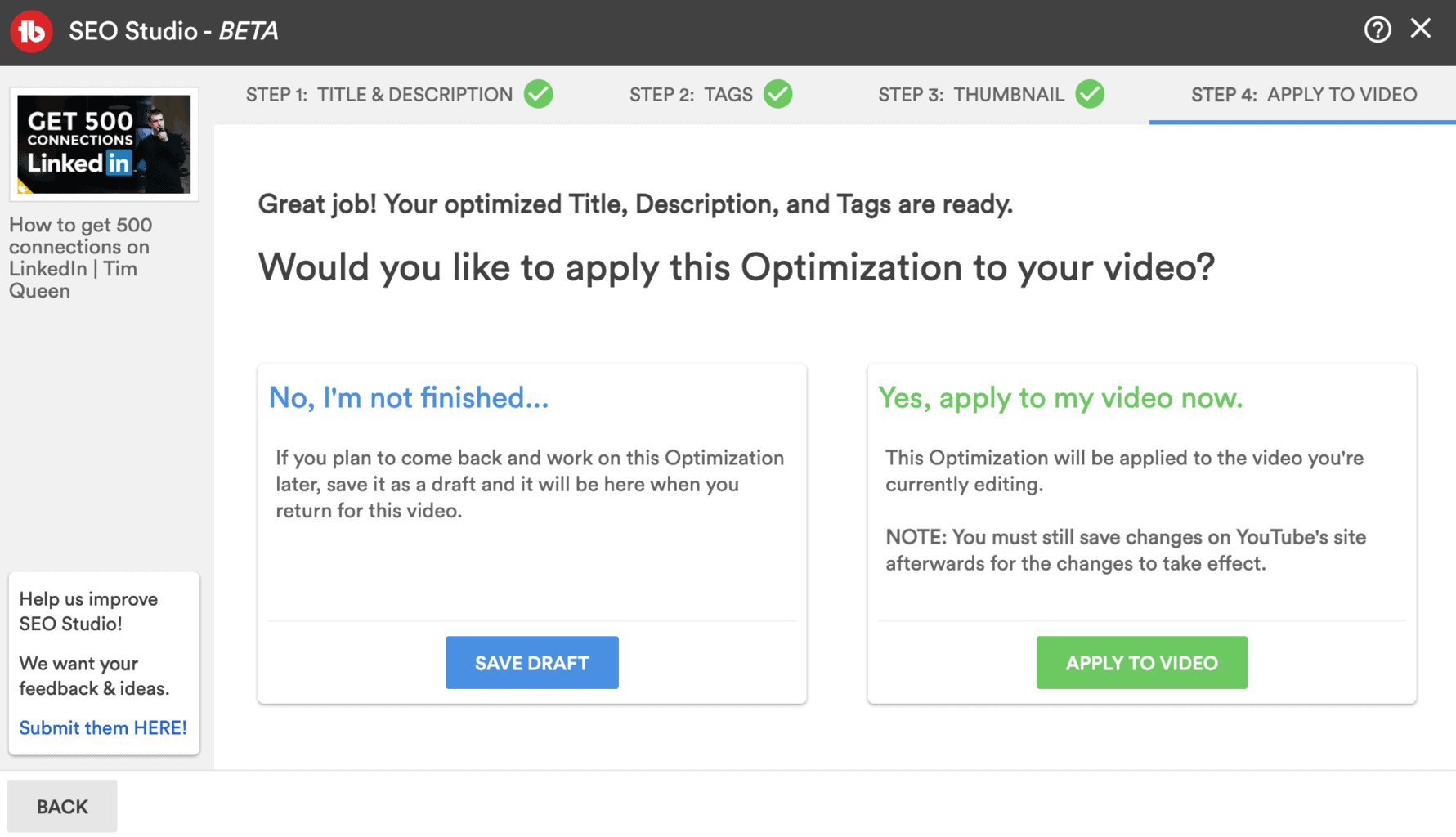
In the last step, you can either apply your optimizations to your video right away. This will overwrite your title, description, tags, and thumbnail with those from the SEO Studio.
Or you can save your optimizations as a draft and come back later.
Next Steps
TubeBuddy's SEO Studio is an incredible tool that helps you to optimize every aspect of your video for the best possible ranking probability on YouTube and Google.
Optimizing for YouTube search is one of the best ways for small YouTube channels to reach 4000 watch hours quickly to qualify for the YouTube partner program.
TubeBuddy has so much more to offer to help you grow your YouTube channel. You can learn more about it in my full TubeBuddy review here.


